Picture this: you spend a solid month building a landing page, run paid ads to it, and the traffic comes in. But conversions? Barely a trickle. You stare at Google Analytics, watching bounce rates and session durations like they owe you an explanation. Numbers everywhere, clarity nowhere. That was my situation about a year back, and it was genuinely maddening.
What I needed was not more data. I needed to see what was happening. That is when I stumbled onto TruConversion, and honestly, it changed how I think about conversion optimization entirely. If you are sitting on an AppSumo deal right now wondering whether it is worth it, let me save you the deliberation. Grab Lifetime Deals on GrabbedDeals
What is TruConversion?
TruConversion is an all-in-one funnel tracking and conversion optimization platform built for marketers, product owners, and anyone who runs a website and actually cares where their visitors go. It sits in the same category as Hotjar or Crazy Egg, but it leans harder into the funnel-tracking angle, which sets it apart in a meaningful way.
The core idea is simple: instead of just giving you a heatmap of a random page, TruConversion lets you build a Smart Funnel and attach behavioral data specifically to each stage of that funnel. So you are not getting noise from window-shoppers cluttering your checkout page heatmap. You get clean, targeted data about the people who actually reached that step. According to verified user reviews on G2, it is consistently rated as one of the easiest heatmap tools to understand and act on.
Key things TruConversion covers out of the box:
- Heatmaps (click, scroll, and move maps, filterable by device and location)
- Session recordings with event-trigger options
- Form field analytics
- Micro-surveys and NPS polls
- Smart Funnel builder
How Does TruConversion Work?
Getting started is refreshingly straightforward. There is no learning cliff here.
- Create an account and add your site. You paste in a small JavaScript tracking snippet, similar to Google Analytics setup. Takes about two minutes.
- Build a Smart Funnel. Define the steps in your conversion journey, like Homepage, Product Page, Checkout, and Confirmation. TruConversion will start monitoring drop-off points between each step automatically.
- Set up heatmaps. You can launch heatmaps on any page, and optionally scope them to a specific funnel step so you only capture behavior from visitors who reached that stage.
- Enable session recordings. You can trigger recordings broadly or set conditions like “record sessions where the user reached the cart but did not complete purchase.” That targeting capability is where TruConversion earns its keep.
- Review and act. The dashboard surfaces everything in one place. You watch session replays, review form field drop-off data, and send micro-surveys to get direct user feedback.
Tips for Using TruConversion Effectively
Getting value from a behavioral analytics tool depends a lot on how you set it up. Here are things I wish someone had told me upfront.
- Start with your highest-traffic bottleneck, not your homepage. The temptation is to heatmap everything, but your checkout page or lead capture form is where money gets left on the table. Go there first.
- Use event-triggered recordings. Instead of recording every single session (which burns through your pageview quota fast), configure recordings to trigger only when a visitor reaches a specific funnel stage. TruConversion’s Smart Funnel feature makes this easy, and it keeps your recording library focused and actionable.
- Check form field analytics before any redesign. Most people guess which form field is causing drop-offs. TruConversion shows you exactly which field loses the most users. Removing a single unnecessary field can lift completions significantly, as covered in TruConversion’s official documentation at help.truconversion.com.
- Run a micro-survey on your exit intent pages. Instead of guessing why people leave, ask them. A one-question survey (“What stopped you from completing your purchase?”) can reveal pricing objections, trust issues, or UX confusion that no heatmap would ever catch.
- Filter heatmaps by device type. Mobile and desktop users behave completely differently. Looking at a combined heatmap is fine for a general overview, but if your mobile conversion rate is trailing, isolate that segment and you will see exactly where the experience breaks down.
TruConversion Review: Pros and Cons
After spending time with the platform across multiple client projects, here is a balanced take.
Pros
- All core CRO tools in one dashboard, no need to juggle Hotjar for heatmaps, a separate funnel tool, and another survey platform
- Smart Funnel feature is genuinely differentiated from competitors
- Heatmaps are fast to read and visually clean
- Session recording triggers based on funnel behavior, not just random recording
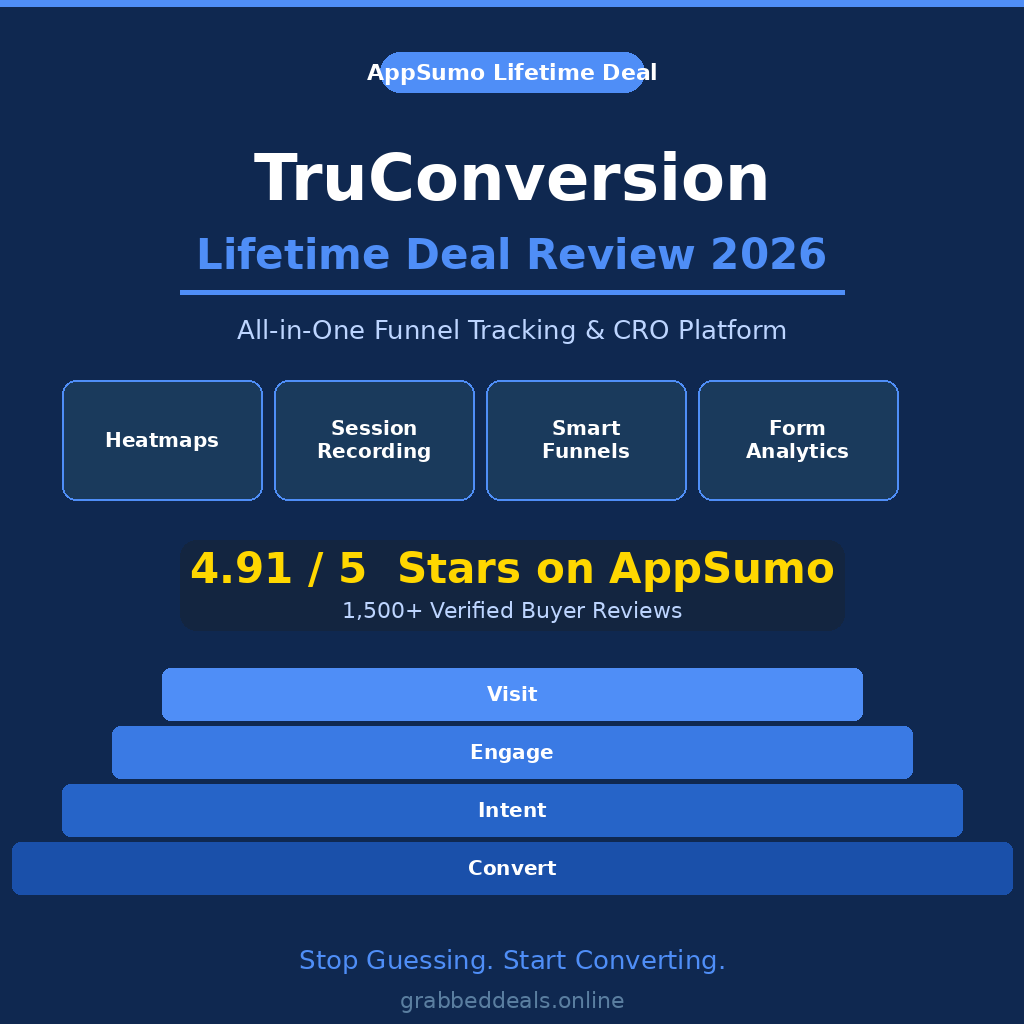
- Excellent AppSumo rating (4.91 out of 5 from over 1,500 verified buyers)
Cons
- The interface could use some polish in places, especially the form analytics view
- Documentation has gaps for some of the more advanced configuration options
- Lower tiers have pageview limits that small-to-medium sites will hit if they are not careful
- Requires AppSumo Plus membership to access the current lifetime deal
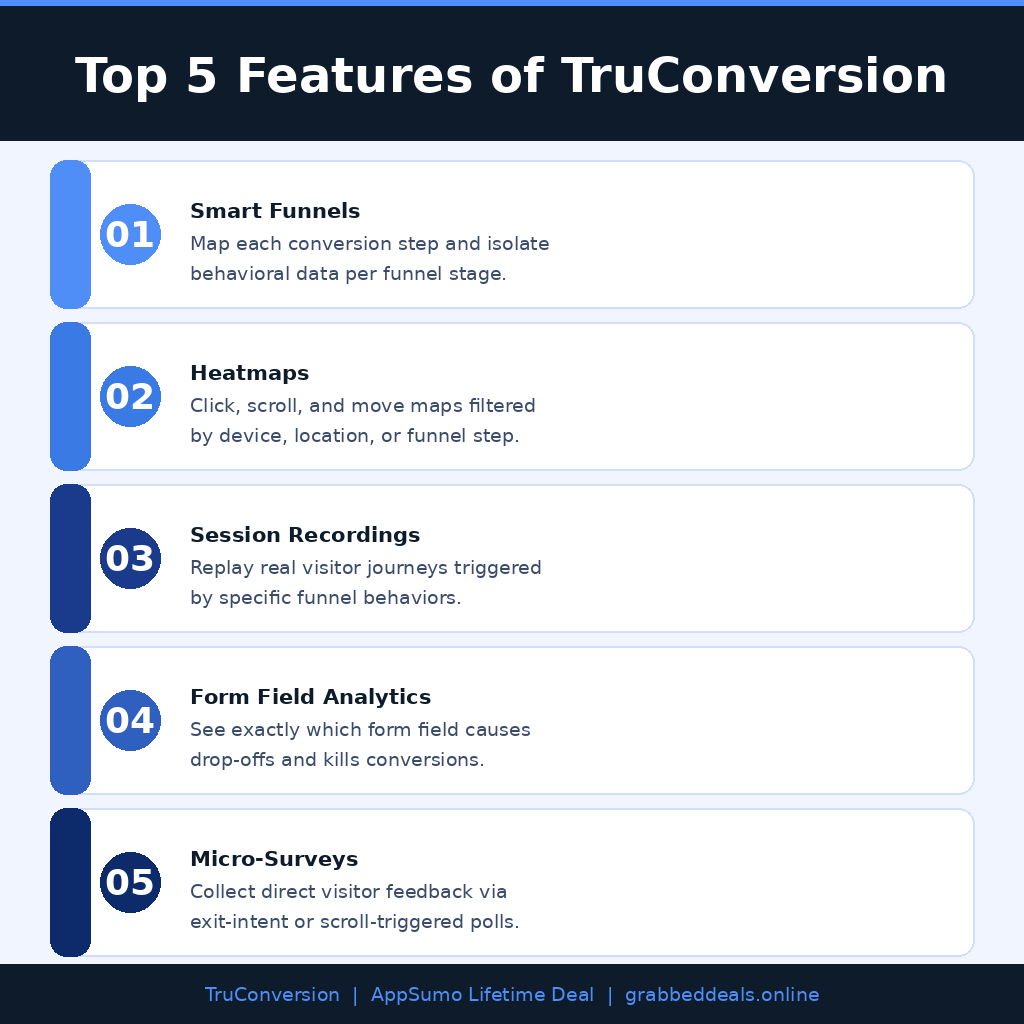
Top 5 Features of TruConversion
1. Smart Funnels
This is the feature that makes TruConversion different. You map your funnel steps, and the platform tracks exactly where visitors drop off. Better still, it lets you scope your heatmaps and session recordings to specific funnel stages, so you get targeted behavioral data rather than a noisy mix of all visitors.
2. Heatmaps
TruConversion’s heatmaps cover clicks, scrolls, and mouse movement, and you can filter them by device type, geographical location, or funnel stage. They render clearly and update in near real time, making them genuinely useful for quick iteration cycles.
3. Session Recordings
Watch real visitor sessions on your site. You can see exactly where someone clicked, where they hesitated, and where they gave up. The event-trigger system is particularly powerful: you can set recordings to fire only when a visitor reaches your checkout page, for example, so your library stays focused on high-value interactions.
4. Form Field Analytics
Forms are where conversions die quietly and nobody notices. TruConversion tracks which fields users fill out, which ones cause them to bail, and how long they spend on each. You can even filter by device type to catch mobile-specific friction points.
5. Micro-Surveys and NPS
Sometimes behavioral data only tells half the story. TruConversion lets you deploy short targeted surveys directly on your site. You can trigger them based on scroll depth, time on page, or exit intent, and the results get collected right in your dashboard alongside all your other conversion data.
TruConversion
This tutorial from the TruConversion team walks through the platform’s key features including funnel setup, heatmap configuration, and session recording. It is a solid 10-15 minute watch before you dive in.
TruConversion Alternatives
Hotjar
Hotjar is the most well-known name in this space, and it does heatmaps and session recordings well. But at $39 per month for anything beyond a very basic free plan, the ongoing cost adds up fast. It also lacks TruConversion’s funnel-scoped heatmap capability, meaning you get page-level data without the funnel context.
Microsoft Clarity
Clarity is completely free and covers heatmaps and session recordings competently. If budget is the only concern, it is a reasonable starting point. However, it has no funnel builder, no form analytics, and no survey capabilities, so you are still stitching together multiple tools to get the full picture.
Crazy Egg
Crazy Egg covers heatmaps and A/B testing, and it is a solid tool. Pricing starts around $29 per month, which is not outrageous, but there is no lifetime deal option. If you are comparing long-term cost of ownership, TruConversion’s one-time AppSumo price is hard to beat.
TruConversion Lifetime Deal: Our Verdict
TruConversion is built for people who are serious about understanding why visitors are not converting, not just curious about it. The Smart Funnel feature alone justifies the purchase for anyone running paid ads or an e-commerce store. Watching a session replay of a user abandoning your cart is worth more than a month of A/B testing guesswork.
For freelancers managing client sites, small e-commerce brands, or SaaS teams watching their trial-to-paid conversion rate, this is a clear buy. The AppSumo lifetime deal removes the recurring cost argument entirely.
Ready to grab the deal? Get TruConversion on AppSumo
Summary
TruConversion is a funnel tracking and CRO platform that brings heatmaps, session recordings, form analytics, and micro-surveys together in one dashboard. It is built for marketers and website owners who need to stop guessing and start seeing what visitors actually do. The Smart Funnel feature makes it stand out from tools like Hotjar by scoping behavioral data to specific conversion steps. With a 4.91 out of 5 rating from over 1,500 AppSumo buyers and a one-time lifetime deal starting at $99, it is one of the most cost-effective CRO tools available right now.
Frequently Asked Questions
Q: Is TruConversion worth it in 2026? For anyone spending money on traffic and wondering why it does not convert, yes. The combination of funnel-scoped heatmaps and session recordings with event triggers fills a real gap that most free tools cannot.
Q: Does TruConversion have a free trial or free plan? TruConversion offers a free trial from its official website. The AppSumo lifetime deal comes with a 60-day money-back guarantee, which gives you a full two months to evaluate it with real data before committing.
Q: Who is TruConversion best suited for? Freelancers managing client sites, small e-commerce brands, SaaS product teams, and digital marketers running paid ad campaigns. Basically anyone who wants to understand visitor behavior without paying for four separate tools every month.
Q: How long is the TruConversion lifetime deal available? The AppSumo campaign runs for a limited time. Once it closes, pricing reverts to a recurring subscription model. There is no set public end date, so it is worth acting before it disappears.
Q: Can I get a refund on the TruConversion lifetime deal? Yes. AppSumo offers a 60-day money-back guarantee on TruConversion purchases. You must activate your license within 60 days of purchase.
Q: Can TruConversion replace Hotjar? For most use cases, yes. TruConversion covers heatmaps, session recordings, form analytics, and surveys, which accounts for the majority of what marketers use Hotjar for. The Smart Funnel feature is actually more advanced than anything Hotjar offers natively.
Published by GrabbedDeals.online – Appsumo Deals | WP Themes & Plugins | DealFuel | Dealify | DealMirror | RocketHub | StackSocials | Others|