I spent three weeks trying to write a 15-minute YouTube script about productivity tools. Three. Weeks. I had tabs open everywhere, a Google Doc full of bullet points that went nowhere, and a notes app filled with half-baked hooks I kept second-guessing. By the time I finally hit record, the topic already felt stale.
If you run a YouTube channel, you probably know this exact feeling. The scripting part, not the filming or editing, is where most creators quietly give up. It is not a lack of ideas. It is the blank page, the structure, the hook that needs to grab someone in the first eight seconds. That is where Subscribr comes in, and it solves the problem in a way that actually surprised me. Browse more AI and automation lifetime deals on GrabbedDeals before you miss the window.
What is Subscribr?
Subscribr is an AI-powered YouTube scriptwriter, built specifically for long-form video content. It is not a generic writing assistant you repurpose for scripts. The whole product is built around one thing: helping YouTube creators write full-length, structured, research-backed video scripts that are designed to keep viewers watching.
The tool was founded in 2023 by Gil Hildebrand, a serial entrepreneur who previously co-founded Squidoo alongside Seth Godin. After noticing how expensive and inconsistent freelance scriptwriters could be, he built Subscribr as a more reliable, scalable alternative.
It sits in the same broad category as vidIQ and TubeBuddy for YouTube channel growth, but goes much deeper into the scripting and content ideation side. Where those tools help with SEO and analytics, Subscribr handles the creative heavy lifting: the hooks, the story arcs, the curiosity gaps, and the pacing that keeps audiences from clicking away.
Key things Subscribr does:
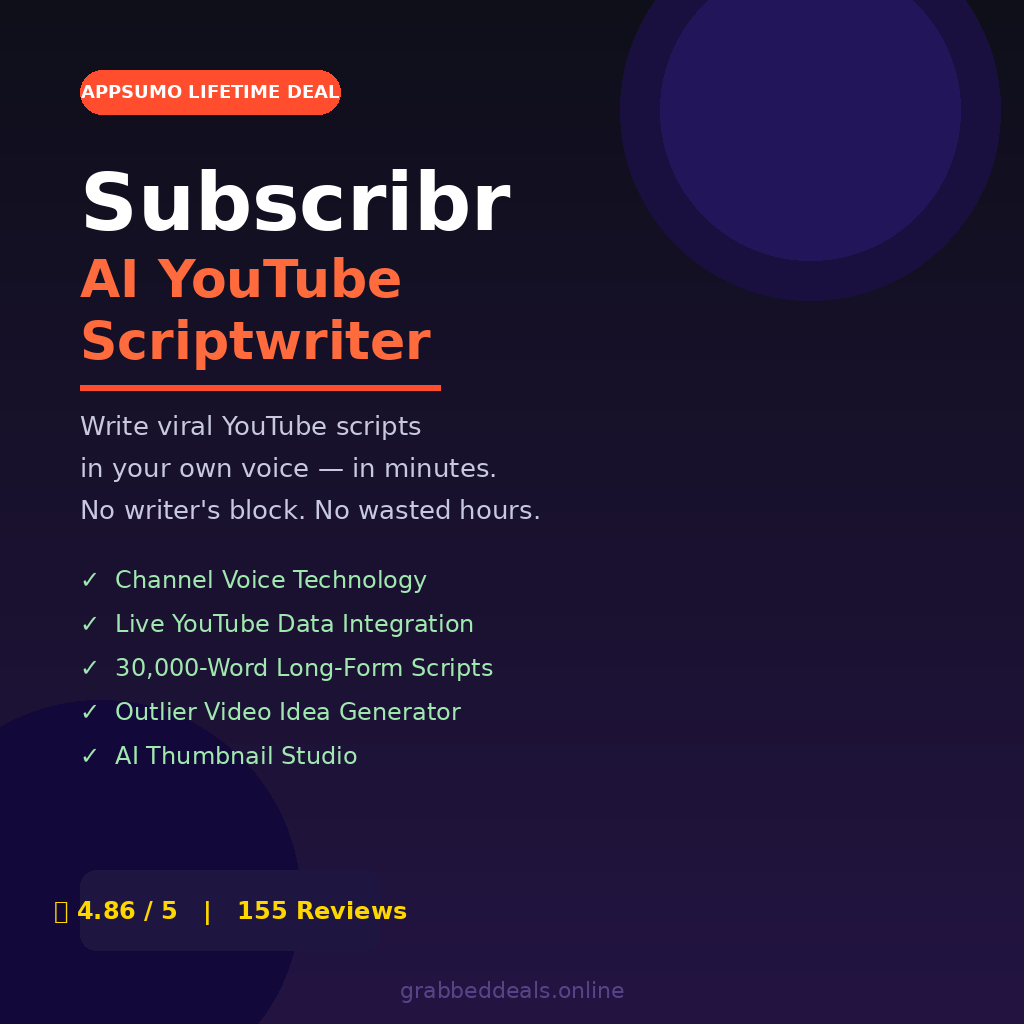
- Generates full-length video scripts up to 30,000 words
- Learns and replicates your unique channel voice
- Pulls live YouTube data for research-backed ideation
How Does Subscribr Work?
The workflow is surprisingly smooth once you get past the initial setup.
- Connect your YouTube channel. Subscribr analyzes your existing videos to understand your tone, style, and audience. This is how it builds a “channel voice” profile that makes generated scripts sound like you wrote them.
- Use Ideation Chat to find your topic. The chatbot has a direct integration with YouTube, so you can pull real channel data, scan competitor videos, and surface outlier content ideas from your niche. No more guessing what to make next.
- Generate an outline. Pick your angle and let Subscribr scaffold a full script structure: intro hook, main segments, curiosity gaps, call to action. You can edit the outline before writing begins.
- Let Script Bot write the draft. The newer V3 interface uses a chat-on-the-left, script-on-the-right canvas. You talk to Script Bot and watch the script populate in real time, section by section.
- Edit, humanize, and export. Tweak anything that feels off, run it through the built-in Humanize tool to soften AI patterns, then export to Word, Google Docs, or copy directly into your teleprompter.
Average time from idea to finished script: around 12 minutes for a standard video.
Tips for Using Subscribr
Getting great results from Subscribr is mostly about how you brief it. A few things I learned the hard way:
- Feed it context before you start. The more you tell Script Bot about your audience and the video angle upfront, the less editing you do on the back end. Treat the initial prompt like a creative brief, not a search query.
- Use Ideation Chat before you script. Do not skip the research phase. The YouTube integration lets you scan viral videos in your niche and understand why they worked. As covered in Subscribr’s own guide to AI YouTube scriptwriting, outlier data is the fastest shortcut to a winning topic.
- Let the channel voice train over time. The first script will feel close but not perfect. By your third or fourth, the voice matching gets noticeably more accurate. Do not judge the tool on one output.
- Combine it with your editing software. Export to Google Docs or Word and do a final read-aloud pass. AI scripts can be technically correct but slightly awkward when spoken. Ten minutes of read-aloud editing makes a big difference.
- Do not over-rely on the hook suggestions. Subscribr generates strong hook options, but the best hook usually comes from a personal story or unexpected angle only you know. Use its hooks as a starting point, not a final answer.
Subscribr Review: Pros and Cons
Subscribr is one of the stronger AI tools for YouTube creators right now, but it is not perfect. Here is an honest breakdown.
Pros
- Channel Voice feature genuinely mimics your style after a few uses
- Long-form scripts up to 30,000 words are rare in this category
- Ideation Chat’s YouTube data integration is a real competitive edge
- V3 Script Bot interface is fast, intuitive, and beginner-friendly
- Outlier Idea Generator surfaces proven viral angles, not guesses
Cons
- Tier 1 ($79) is ideation-only; scripting credits start at Tier 2 ($129)
- Voice matching needs a few sessions to fully calibrate
- Higher-tier pricing can feel steep if you only script occasionally
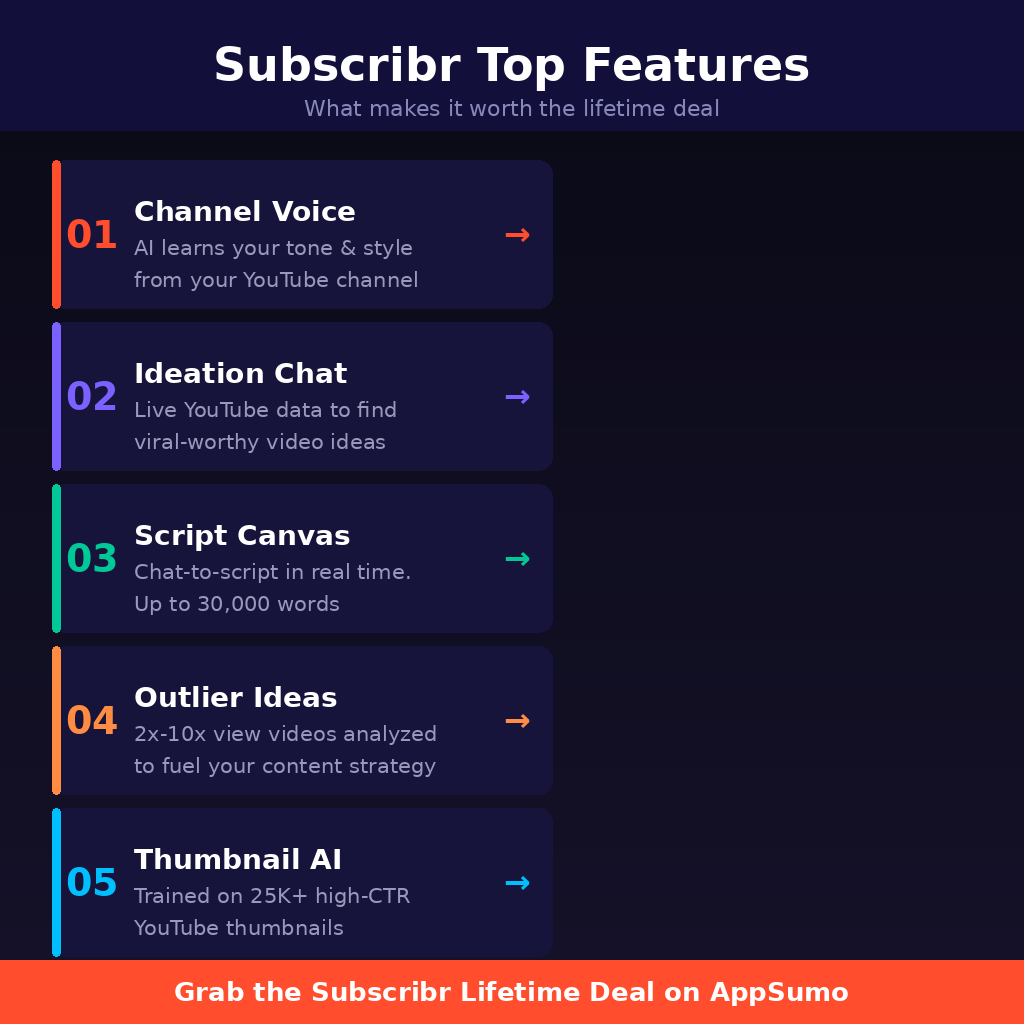
Top 5 Features of Subscribr
1. Channel Voice Technology
Subscribr connects to your YouTube channel and analyzes your existing content to extract your tone, vocabulary, sentence rhythm, and storytelling patterns. The result is a profile the AI uses to write new scripts that sound authentically like you. For anyone who has tried pasting their writing style into a generic AI tool and been disappointed, this is a meaningful step up.
2. Ideation Chat with Live YouTube Data
Most AI chatbots rely on static training data. Subscribr’s Ideation Chat has a direct YouTube integration, pulling live channel and video data into your conversation. You can ask it to analyze a competitor’s top-performing videos, find content gaps in your niche, or explain why a specific outlier video outperformed the channel average. It is closer to a research analyst than a chatbot.
3. Script Canvas with Real-Time Writing (V3)
The V3 interface splits your screen into two panels: a chat window on the left and a live script canvas on the right. As you chat with Script Bot about your video, the script writes itself in the canvas in real time. You can edit sections directly while the rest is still generating. It removes the awkward back-and-forth of traditional prompt-response AI tools and feels much more like a creative collaboration.
4. Outlier Idea Generator
This feature scans thousands of channels in your niche and flags videos getting two to ten times their normal view counts. Subscribr then reverse-engineers the title structure, hook, and thumbnail concept from those outliers and rewrites them for your specific channel. You end up with data-backed video ideas rather than guesses, ranked by outlier potential.
5. AI Thumbnail Studio
Available from Tier 3 upward, Thumbnail Studio uses AI trained on 25,000 high-performing YouTube videos to generate thumbnail concepts. You can describe your video, get four concept sketches, and generate a publish-ready thumbnail. You can also paste a competitor’s thumbnail URL and the AI will deconstruct their composition, colors, and typography to generate a version styled to match. Every thumbnail is scored against CTR principles like contrast and text legibility.
Subscribr in Action
This tutorial by a creator on YouTube walks through the full Subscribr workflow step by step, from connecting your channel to exporting a finished script. It is one of the clearest beginner walkthroughs available and covers the V3 Script Bot interface in real time.
Subscribr Alternatives
TubeBuddy
TubeBuddy is one of the most established YouTube optimization tools, strong on SEO, A/B testing, and publishing workflows. It is a better fit for creators who already have their scripts handled and need help with thumbnails, tags, and channel management. It does not write scripts.
vidIQ
vidIQ focuses on keyword research, competitor tracking, and daily video idea suggestions pulled from trending topics. It has a basic AI script feature, but it is shallow compared to Subscribr’s long-form output. If channel analytics and SEO are your primary need, vidIQ makes more sense. For scripting depth, Subscribr wins.
ChatGPT (with custom prompts)
A lot of creators use ChatGPT for scripting with their own prompt systems. It can produce decent results, but it lacks YouTube-specific context, has no channel voice learning, and cannot pull live channel data. Subscribr essentially takes the best parts of a ChatGPT scripting workflow and packages them into a purpose-built tool that is faster and more YouTube-native.
Subscribr Lifetime Deal: Our Verdict
If you are a YouTube creator who publishes regularly and spends more than a few hours per video on scripting, Subscribr is genuinely worth picking up. The channel voice feature alone separates it from generic AI writing tools, and the Ideation Chat’s YouTube data integration makes the research phase feel like cheating in the best possible way.
The real value starts at Tier 2. Tier 1 is ideation only, so if you want the full AI YouTube script generator for long-form content workflow, budget for Tier 2 at minimum.
If you are searching for the best AI YouTube scriptwriter for content creators in 2026, this deal delivers across the areas that actually matter: script quality, voice matching, and research depth.
Ready to grab the deal? Check the Subscribr Lifetime Deal on AppSumo
Frequently Asked Questions
Q: Is Subscribr worth it in 2026? Yes, especially at the lifetime deal price. The channel voice technology and YouTube data integration put it ahead of generic AI writers for this specific use case. Over 4,500 creators use it actively, and the user reviews on AppSumo sit at 4.86 out of 5.
Q: Does Subscribr have a free trial or free plan? There is no free plan. The AppSumo Tier 1 ($79) gives you ideation features with 200 chat generations per month but does not include scripting credits. The best entry point for full scripting is Tier 2 at $129.
Q: Who is Subscribr best suited for? YouTubers who publish at least two to four videos per month and find scripting to be their biggest time bottleneck. It works well for solo creators, faceless channel operators, content agencies, and small business owners using video as a marketing channel.
Q: How long is the Subscribr lifetime deal available? AppSumo deals run for a limited window and close without warning. Once this campaign ends, Subscribr reverts to its standard monthly subscription pricing. It is worth acting during the campaign if you are on the fence.
Q: Can I get a refund on the Subscribr lifetime deal? Yes. AppSumo offers a 60-day money-back guarantee on all lifetime deals, no questions asked. You have two months to test it properly and request a refund if it does not fit your workflow.
Q: What languages does Subscribr support for script writing? Subscribr is an English-only interface but can generate scripts in over 25 languages including Spanish, French, German, Portuguese, Japanese, Korean, Arabic, Hindi, and more.
Published by GrabbedDeals.online – Appsumo Deals | WP Themes & Plugins | DealFuel | Dealify | DealMirror | RocketHub | StackSocials | Others|