If you have ever searched for a WordPress theme, you have seen Avada sitting at the top of ThemeForest’s best-sellers list for years. It has been the go-to choice for freelancers, agencies, and business owners who want a powerful, no-code website builder baked right into their theme. With over 950,000 purchases since its 2012 debut, the question for 2026 is not whether Avada is popular but whether it still earns that reputation. Get Lifetime Deals
What is Avada?
Avada is a premium multipurpose WordPress theme developed by ThemeFusion and sold exclusively through ThemeForest on the Envato marketplace. It belongs to the all-in-one page builder category: instead of relying on third-party plugins for core design functionality, everything you need to build a professional website is bundled into a single purchase.
The theme is built around Avada Builder (also called Fusion Builder), a proprietary drag-and-drop editor available in both backend and visual frontend modes. On top of that, it ships with a global options panel offering 800+ settings, 100+ pre-built demo websites, and premium plugins like Slider Revolution and ACF Pro included at no extra cost. Whether you are building a portfolio, a corporate site, a blog, or a full WooCommerce storefront, Avada covers the use case. Users who need guidance before committing can find it consistently well-reviewed by verified users on G2’s Software Categories and Reviews.
Key product attributes:
- All-in-one multipurpose WordPress theme with proprietary page builder
- 100+ pre-built demo websites importable with one click
- Sold on ThemeForest for a one-time license fee, no monthly subscription
How Does Avada Work?
- Purchase and download: Buy Avada from ThemeForest for $69. You receive a downloadable .zip file instantly, along with your license key.
- Install the theme: Upload the .zip file through WordPress dashboard under Appearance, then Themes, then Add New. Activate Avada and follow the setup wizard.
- Import a pre-built demo: Choose from 100+ one-click demo imports that match your industry or style. The importer brings in pages, widgets, and settings automatically.
- Customize with Avada Builder: Use the drag-and-drop Fusion Builder to modify layouts, swap content, adjust colors, and configure typography. No coding required at any step.
- Publish and maintain: Push your site live. All future theme updates are included in your original purchase at no additional cost.
Tips for Using Avada
- Start with a demo close to your final goal. Avada offers 100+ templates, and importing one that already resembles your target site cuts customization time significantly. Trying to build from a blank canvas inside Avada’s options-heavy interface adds unnecessary complexity for new users.
- Use Global Options before touching individual pages. Avada’s theme options panel lets you set site-wide typography, colors, and header styles in one place. Locking these in early prevents inconsistencies across pages later.
- Explore Fusion Elements your competitors overlook. Avada Builder ships with 75+ design elements. Most users stick to basic containers and text blocks; the counters, pricing tables, and WooCommerce product carousels are underused features that add polish quickly.
- Pair Avada with a caching plugin. The theme is feature-dense by design, which means performance depends more on your server and caching setup than on the theme alone. Tools like WP Rocket or W3 Total Cache make a measurable difference. As Capterra research shows, the best tools in this category combine flexibility with performance optimization, which is a pattern confirmed across verified software reviews on Capterra.
- Do not skip child theme setup. If you plan to add custom CSS or PHP, use a child theme so your changes survive future updates without being overwritten.
Avada Review: Pros and Cons
Avada is the kind of theme that rewards users who invest time learning it. Here is an honest breakdown of where it delivers and where it falls short.
Pros
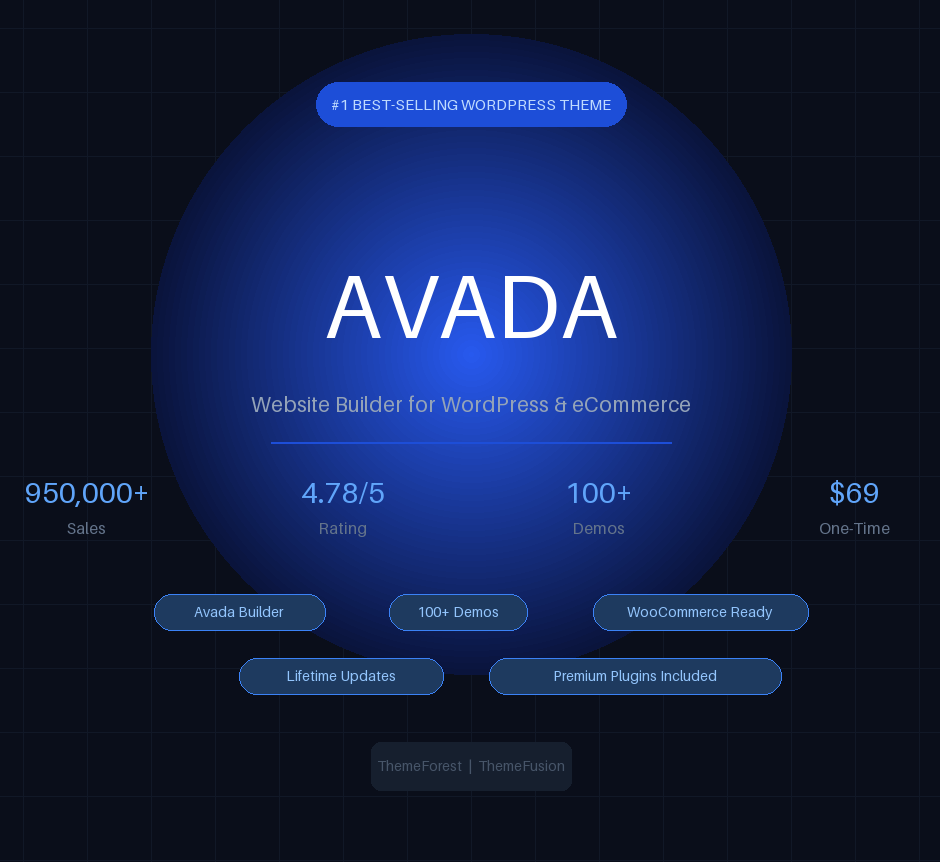
- One-time $69 payment with lifetime updates included, no recurring subscription
- 950,000+ sales and a 4.78 out of 5 rating from over 37,000 verified ThemeForest reviews
- 75+ Fusion Builder elements and 100+ demo websites covering nearly every niche
- Premium plugins (Slider Revolution, ACF Pro, Convert Plus) bundled at no extra cost
Cons
- Per-site licensing makes it expensive for agencies managing 10+ client websites
- Steep learning curve compared to lighter themes like Astra or GeneratePress
- Support is limited to 6 months; extended support costs an additional $20+ per year
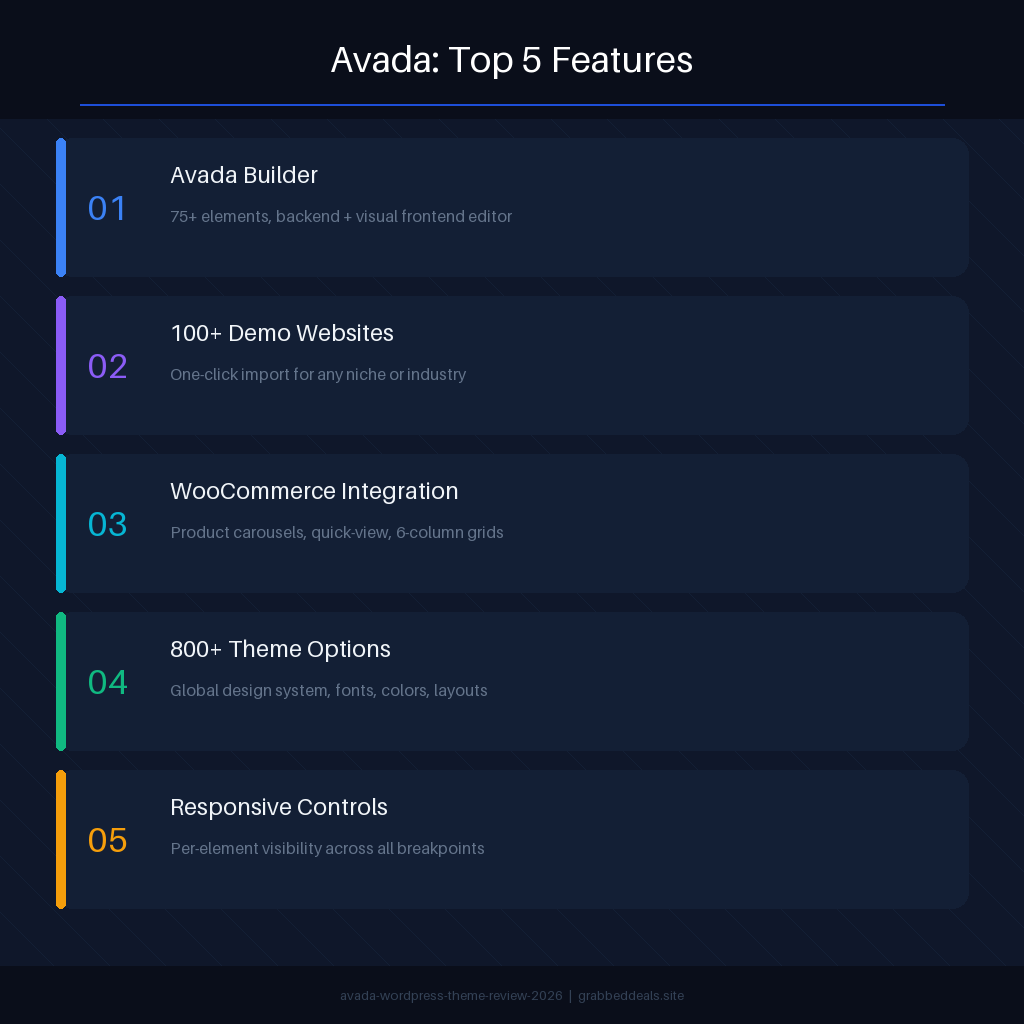
Top 5 Features of Avada
1. Avada Builder (Fusion Builder)
Avada’s proprietary page builder operates in both a classic backend grid mode and a live visual frontend editor. It ships with 75+ elements including sliders, counters, pricing tables, testimonials, WooCommerce grids, and form builders. Every element carries deep styling controls covering typography, spacing, animation, and responsive breakpoints, giving you precise control without touching a line of code.
2. 100+ Pre-Built Demo Websites
Avada includes one of the largest demo libraries in the premium theme market. Demos cover industries from law firms and medical practices to creative portfolios and SaaS landing pages. Each demo is a complete website with pre-configured pages, headers, and footer layouts, all importable in a single click, which is a major time saver for client projects.
3. WooCommerce Integration
The theme was co-developed with WooCommerce compatibility as a core design goal, not an afterthought. It includes dedicated shop templates, product carousels, quick-view panels, and category page column controls (up to six columns). Checkout and cart pages are fully styleable through the options panel without custom CSS.
4. Global Design System (Fusion Theme Options)
With over 800 settings in the options panel, Avada lets you establish a complete global design system: primary colors, font stacks, header layouts, footer columns, sidebar positions, and blog archive styles. Changes made at the global level cascade across every page, making large-scale redesigns significantly faster.
5. Responsive and Mobile-Optimized Layouts
Every Avada layout includes responsive breakpoints for mobile, tablet, and desktop. The builder allows visibility controls per element, so you can show or hide specific sections depending on device type. This level of responsive control is especially useful for landing pages where mobile and desktop layouts serve different conversion goals.
Avada Alternatives
Divi by Elegant Themes
Divi is Avada’s closest competitor and is available for $89 per year or $249 as a one-time lifetime purchase, both covering unlimited websites. Where Avada wins on included premium plugins and per-site one-time pricing, Divi wins for agencies who need multi-site licensing and built-in A/B testing tools. Divi’s visual builder is also considered more beginner-friendly by many users.
Elementor (with Hello Theme)
Elementor is a standalone page builder paired with a lightweight theme. It offers a free tier and paid plans starting at $59 per year per site. Unlike Avada’s all-in-one approach, Elementor separates the theme from the builder, giving more flexibility in choosing your own base theme. It has a larger third-party ecosystem of add-ons but lacks Avada’s bundled premium plugins.
Astra
Astra is a lightweight, performance-focused WordPress theme with deep Elementor and Gutenberg compatibility. Its free version is one of the most installed themes in the WordPress directory. Astra is the better choice if site speed is your top priority, though it requires more plugin stacking to match Avada’s built-in feature set.
Why Choose the One-Time License Over a Subscription?
WordPress themes with monthly or annual billing add up fast. Avada’s $69 one-time purchase covers a single website with lifetime updates, meaning you pay once and benefit from every new version ThemeFusion releases going forward.
For a single professional website, the math is straightforward: comparable subscription-based builders cost $59 to $89 per year. Over three years, Avada costs 60% to 75% less while delivering equal or greater functionality. The bundled premium plugins (Slider Revolution alone retails for around $89 per year) further extend the value.
The deal is particularly well suited to small business owners, freelancers, and solo creators who want to invest in a site once without ongoing SaaS overhead. The model has been made mainstream by platforms like AppSumo, where lifetime deals have changed how indie makers and startups approach software purchasing. Avada applies the same logic to WordPress themes: pay once, own it permanently.
What is the Avada License Structure?
| Field | Details |
|---|---|
| Regular License | $69 one-time payment |
| Includes | Theme files, Avada Builder, 100+ demos, Slider Revolution, ACF Pro, Convert Plus, lifetime updates |
| Usage | Single website (one end product) |
| Support | 6 months included, extendable for $20+ |
| Deal Source | ThemeForest (Envato Marketplace) |
| Refund Policy | 30-day money-back guarantee via ThemeForest |
| Deal Status | Active, available at themeforest.net |
Our Verdict
Avada earns its place as the best-selling WordPress theme in 2026, but it is best for a specific type of buyer. If you are building one professional website and want a complete toolkit out of the box, including premium plugins, 100+ demos, and a capable drag-and-drop builder, Avada at $69 is exceptional value. The lifetime updates policy means your investment does not expire.
Where Avada struggles is with multi-site use cases and users who prioritize raw page speed above all else. For agencies or developers building dozens of client sites, Divi’s unlimited site licensing or a lightweight theme paired with Elementor may be more cost-effective.
For the single-site buyer, the verdict is clear: Avada delivers.
Ready to grab the theme? View Avada on ThemeForest
Summary
Avada is a premium multipurpose WordPress theme by ThemeFusion with over 950,000 sales and a 4.78 out of 5 rating on ThemeForest. Its $69 one-time license includes the Avada Builder drag-and-drop editor, 100+ pre-built demo websites, and bundled premium plugins like Slider Revolution and ACF Pro. It is best suited to freelancers, small business owners, and anyone building a single professional website who wants a no-subscription, all-in-one solution. The lifetime updates policy makes this a competitive long-term investment compared to annually billed alternatives.
Frequently Asked Questions
Q: Is Avada worth it in 2026? Yes, for single-site users who want an all-in-one solution. The $69 one-time payment with lifetime updates and bundled premium plugins represents strong value compared to subscription-based alternatives that cost $59 to $89 per year. If you need multi-site licensing, consider Divi instead.
Q: Does Avada have a free trial or free plan? No. Avada is a paid theme with no free version or trial. However, ThemeForest offers a 30-day money-back guarantee if the theme does not meet your needs after purchase.
Q: Who is Avada best suited for? Avada works best for small business owners, freelancers, bloggers, and WooCommerce store builders who need a complete, code-free website solution for a single site. It is less ideal for developers managing large multi-site portfolios due to its per-site licensing model.
Q: Can I use Avada on multiple websites? No. A standard regular license covers one website only. You need to purchase a new license for each additional site. For unlimited sites, Divi’s license structure is more cost-effective.
Q: Can I get a refund on Avada? Yes. ThemeForest provides a 30-day money-back window on theme purchases if the product does not work as described or does not meet your requirements.
Q: How does Avada Builder compare to Elementor? Avada Builder is bundled inside the theme and covers most use cases with 75+ elements and deep styling controls. Elementor has a larger third-party add-on ecosystem and is available as a standalone plugin with any theme. Elementor offers more flexibility for power users; Avada Builder is tighter and simpler for users who stay within the Avada ecosystem.
Published by GrabbedDeals.online – Appsumo Deals | WP Themes & Plugins | DealFuel | Dealify | DealMirror | RocketHub | StackSocials | Others|