I handed over my paper business card at a conference last year. The guy glanced at it, nodded politely, then dropped it in a bag with about forty other cards from that same afternoon. Three weeks later I followed up by email. He had zero idea who I was.
That one moment made me rethink the whole paper card ritual. I started looking at digital options and ended up testing Swft Connect after spotting it on AppSumo. If you are running a business, freelancing, or leading a sales team, this digital business card tool is the kind of thing that quietly changes how first impressions work. Get Lifetime Deals
What Is Swft Connect?
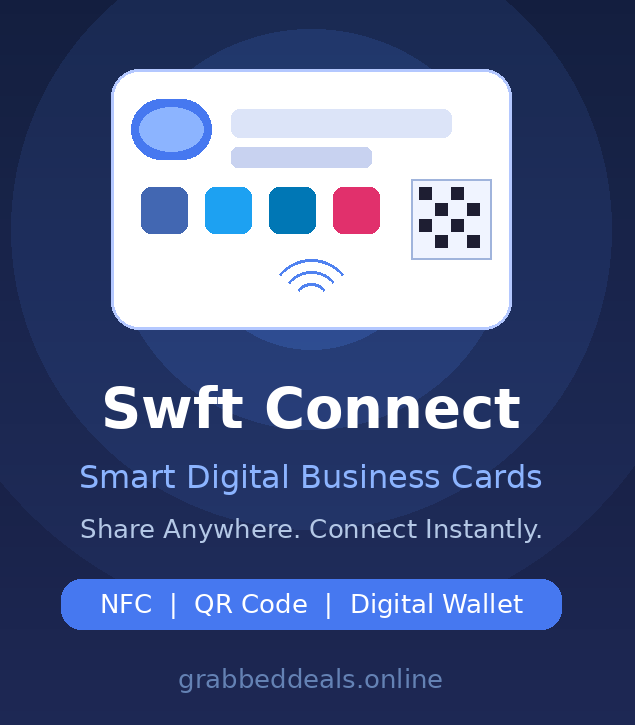
Swft Connect is a digital business card platform built for professionals, small businesses, and agencies who need a modern, trackable way to share their contact details and brand profile. It replaces the paper card with a shareable profile page that holds your contact info, social links, portfolio, case studies, videos, and a live booking calendar, all in one place.
The platform sits at the crossroads of a link-in-bio tool and a professional networking card. Where it stands out is in how it bridges offline and online sharing: you can share via a QR code on your phone screen, tap an NFC card, drop a link in your email signature, or even pin it as your LinkedIn link-in-bio. It is genuinely one of the highest-rated digital networking tools among verified users on AppSumo, currently sitting at 4.9 stars from 77 reviews.
It is built for:
- Freelancers and consultants who attend client meetings
- Sales teams attending trade shows and networking events
- Agencies wanting to offer branded card services to clients
How Does Swft Connect Work?
Getting up and running is surprisingly quick. Here is the basic flow:
- Sign up and set up your profile. Add your name, job title, company, contact details, and profile photo. This takes about five minutes.
- Customize your card design. Choose colors, fonts, layout, and add your logo. You can match it precisely to your brand identity.
- Add content blocks. Drop in social media links, a calendar scheduling widget (Calendly works), a YouTube video, portfolio photos, or even custom HTML embeds.
- Choose your sharing method. Generate your QR code, add the card to Apple Wallet or Google Wallet, copy your profile link, or order an NFC card for tap-to-share in person.
- Share and track. Whenever someone scans, taps, or clicks, it logs in your analytics dashboard. You can see which channels drive the most engagement and follow up accordingly.
Tips for Getting the Most from Swft Connect
Book meetings directly from your card. The calendar embed is genuinely underused. If you add a Calendly or TidyCal link to your Swft Connect profile, the person who just scanned your QR code can book a follow-up slot right there. This is how digital networking software can turn a simple card exchange into a confirmed calendar invite.
Use the analytics to qualify leads. Not every card tap leads somewhere useful. The analytics dashboard tells you who viewed your profile and what they clicked. Keep an eye on repeat viewers as a sign of genuine interest before you spend time following up.
Order the NFC card for in-person events. The digital-only approach is fine for email and LinkedIn, but handing someone a sleek metal NFC card at a trade show still creates a physical impression. As the Swft Connect team explains in their official setup guide, the NFC card is a one-time purchase with no recurring fees and it just works with your existing profile.
Connect your CRM early. Swft Connect now integrates with HubSpot, Salesforce, GoHighLevel, and Zapier. The moment someone engages with your card and fills in the contact form, that data can flow straight into your pipeline. Getting this set up before you go to your next event saves a lot of manual data entry.
Keep your profile link short and memorable. The default URL can be a bit long. Set a custom Swft ID so you can say it out loud without stumbling, which matters more than you think when you are at a noisy networking dinner. According to independent research on contact-sharing behavior and NFC adoption, verbal sharing is still common in high-trust situations.
Swft Connect Review: Pros and Cons
Swft Connect gets most things right, but like any tool it has a few rough edges worth knowing about before you commit.
Pros
- Sharing options are genuinely flexible: QR, NFC, link, email signature, and digital wallet all covered
- Setup is fast even for non-technical users, which matters for a team rollout
- Analytics dashboard gives you real visibility into engagement, not just vanity metrics
- The white label option (now live) lets agencies run it under their own brand with a custom domain
Cons
- The default profile URL is not ideal for verbal sharing without a custom Swft ID
- Calendar integrations are good but limited compared to a full scheduling tool
- Social link options could be broader for niche platforms
Top 5 Features of Swft Connect
1. NFC and QR Code Sharing
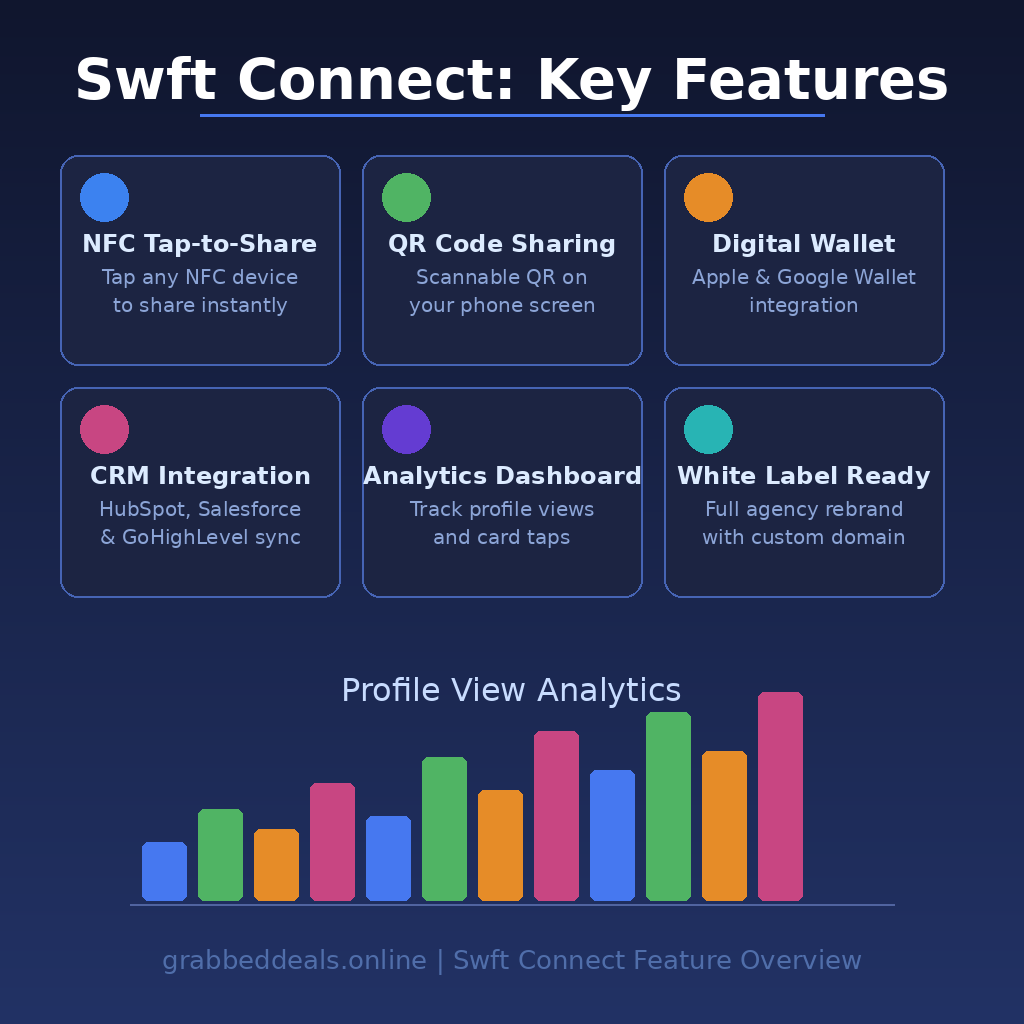
The tap-to-share experience is the headline feature and it delivers. You can hand over your physical NFC card or flash a QR code from your phone screen, and the recipient gets your full profile without downloading a single app. The NFC card itself is a one-off cost, compatible with any plan.
2. Digital Wallet Integration
Your Swft Connect profile card can live inside Apple Wallet or Google Wallet. This is practical in a way that a printed card never can be: your phone is always in your pocket, and pulling up a wallet pass takes two seconds. For lead generation tools, this kind of frictionless sharing makes a real difference at high-volume networking events.
3. CRM and Analytics Integrations
The platform now connects directly with HubSpot, Salesforce, GoHighLevel, Zapier, and webhooks. Beyond contact sync, you get a built-in analytics dashboard tracking profile views, card taps, link clicks, and contact form submissions. It also supports Meta Pixel, Google Analytics, and LinkedIn Insight Tag, letting you tie your networking activity to your broader marketing funnel. This is solid proof of a contact exchange and lead capture workflow that actually closes the loop.
4. Rich Profile Content Blocks
Beyond basic contact details, you can add a portfolio gallery, embedded video, calendar booking widget, case studies, testimonials, and custom HTML blocks. The profile page functions as a lightweight personal landing page, not just a card.
5. White Label for Agencies
Launched in early 2026 after being the most-requested feature, the white label platform lets agencies run Swft Connect entirely under their own brand: custom domain, custom logo, no Swft branding visible to clients. Agencies can choose between a self-service model or a fully managed service, and can even resell branded NFC cards at wholesale margins. This turns a personal networking tool into a recurring-revenue product.
Section 5B: Swft Connect in Action
The official AppSumo walkthrough below is worth five minutes of your time. It covers the profile setup, NFC card demo, and the sharing flow in a real-world context, which makes it much easier to picture how this fits your own workflow.
Section 6: Swft Connect Alternatives
Popl
Popl is the most direct competitor and the one most people compare Swft Connect against. It is polished and feature-rich but the subscription pricing adds up quickly for teams. Swft Connect wins on long-term cost, especially at the AppSumo lifetime deal price.
HiHello
HiHello has a clean interface and is a strong choice for individuals who want something simple. It lacks the agency-grade white label option and the CRM depth that Swft Connect now offers, making it less suitable for teams or resellers.
Blinq
Blinq is a solid alternative for quick QR-based sharing and has good Apple Watch support. It does not yet match Swft Connect on analytics depth or the white label capability, which matters a lot for agencies looking at professional networking platforms as a client offering.
Swft Connect Lifetime Deal: Our Verdict
If you are looking for the best digital business card tool for freelancers and small teams in 2026, this deal delivers. The Tier 1 entry at $19 is genuinely hard to argue with for solo users, and the higher tiers make sense for any team doing regular in-person networking. The white label addition transforms it from a personal productivity tool into a potential agency revenue stream.
The few limitations (URL length, limited social platforms) are minor compared to what you get: a fully trackable, professionally designed profile that works via NFC, QR, or plain link, with CRM sync and a booking calendar built in.
Ready to grab the deal? Get Swft Connect on AppSumo
Frequently Asked Questions (FAQ)
Q: Is Swft Connect worth it in 2026? For anyone who does regular in-person networking, yes. The combination of NFC sharing, analytics, CRM integrations, and white label support makes it more capable than most competitors, and the lifetime deal pricing makes the cost-benefit calculation very easy.
Q: Does Swft Connect have a free trial or free plan? Yes, Swft Connect offers a free plan for individuals to get started. The AppSumo lifetime deal adds permanent access to premium features including analytics, branding controls, and team management for a one-time payment.
Q: Who is Swft Connect best suited for? It works best for freelancers, consultants, sales professionals, and small agencies who attend networking events, client meetings, or trade shows and want a modern alternative to paper cards. The white label tier is purpose-built for agencies managing digital presence for multiple clients.
Q: How long is the Swft Connect lifetime deal available? Lifetime deals on AppSumo are time-limited and close without much warning. The current listing is live but campaign windows can change at any point, so it is worth acting sooner rather than later.
Q: Can I get a refund on the Swft Connect lifetime deal? AppSumo offers a 60-day money-back guarantee on lifetime deals, so you can test the platform thoroughly before committing.
Q: Can the NFC card be reused if I update my profile? Yes. Because the NFC card links to your online profile rather than storing your details directly, any updates you make to your Swft Connect profile are reflected immediately when someone taps or scans. You never need to reprint or replace the card.
Published by GrabbedDeals.online – Appsumo Deals | WP Themes & Plugins | DealFuel | Dealify | DealMirror | RocketHub | StackSocials | Others|