I lost nearly 800 organic visits in a single month because of broken links. Not malware. Not a Google penalty. Just a bunch of old URLs I forgot to redirect after restructuring my blog.
I only found out when I checked my Search Console one morning and saw a spike in 404 errors that made my stomach drop. Pages I had built backlinks to, pages with good ranking history, were just returning blank “Not Found” screens to visitors. A week of work, fixing them manually, and a month to recover the rankings.
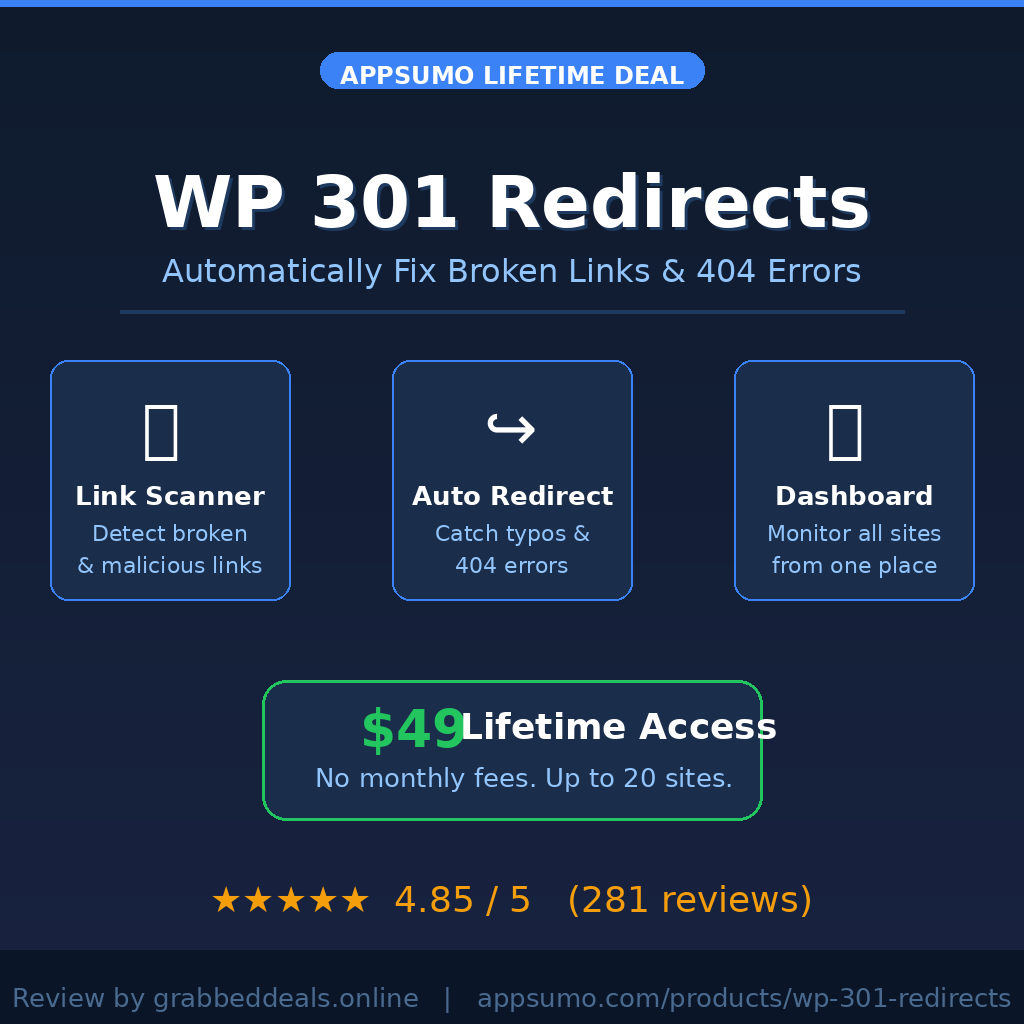
That whole experience is why I get a bit excited when I come across a tool like WP 301 Redirects. If you run any WordPress site with more than a handful of pages, this plugin could genuinely save you from the exact situation I went through. And right now it’s on AppSumo as a lifetime deal worth checking out on GrabbedDeals.
What is WP 301 Redirects?
WP 301 Redirects is a WordPress plugin built by WebFactory Ltd., a Croatia-based team trusted by over 100,000 WordPress users, specifically to handle URL redirections, broken link detection, and outgoing link safety checks.
It sits in the category of redirect management and link scanner tools. The core job is simple: when someone lands on a URL that no longer exists on your site, the plugin catches it and sends them somewhere useful instead of a dead 404 page.
But it goes beyond basic redirects:
– Automatically detects and fixes mistyped URLs using smart typo detection
– Scans all outgoing links for broken or malicious destinations using Google Safe Browsing API
– Manages affiliate link cloaking with shorter, branded URLs
– Provides a centralized SaaS dashboard for monitoring multiple sites at once
It is built for developers, marketers, and web agencies who need dependable redirect control without digging into .htaccess files or writing regex from scratch.
How Does WP 301 Redirects Work?
Getting WP 301 Redirects running takes under five minutes. Here is the typical workflow:
1. Install and activate: Download the plugin from your AppSumo dashboard, upload it to your WordPress site, and activate it. You then connect it to the WP 301 Redirects cloud dashboard using your license key.
2. Run the link scanner: Once active, trigger a full site scan. The plugin crawls every page and checks all outgoing links against Google Safe Browsing and Alexa Rank APIs to flag anything broken, spammy, or potentially harmful.
3. Review your 404 log: The plugin logs every 404 error that occurs on your site. You can see exactly which URLs are failing and where the traffic is coming from, whether it is a search engine, a referral link, or a direct visit.
4. Set up redirect rules: For each failing URL, you add a redirect rule pointing it to the correct destination. You can either select an existing post or page from a dropdown or enter a custom target URL. The plugin handles the actual redirect from that point forward.
5. Monitor from the central dashboard: All your connected sites, their redirect stats, 404 logs, browser data, and daily redirect counts appear in one place. For agencies managing multiple client sites, this is a serious time-saver.
Tips for Using WP 301 Redirects
Here are five things that actually help you get the most out of this plugin:
– Run a full scan the moment you install it. Do not wait for 404 errors to accumulate. Running the Link Scanner immediately surfaces problems you probably do not know exist yet. On one of my older blogs I found 23 broken outgoing links on the very first scan.
– Use the typo sensitivity slider carefully. The auto-typo correction feature is smart but can occasionally be overly aggressive. Start with a medium sensitivity setting and monitor redirects for a few days before tightening it up. As covered in the WP 301 Redirects official documentation, you can fine-tune this at any time.
– Cloak your affiliate links through the plugin. Instead of using a separate link shortener, you can create cleaner branded URLs directly in the redirect rules. This keeps your affiliate links tidy and lets you track click stats in the same dashboard.
– Export PDF reports for client work. If you manage sites for clients, the white-label option paired with the branded PDF export is genuinely impressive. You can send clients a clean report showing redirect activity without any WebFactory branding appearing anywhere.
– Avoid redirect chains. The biggest mistake beginners make is stacking redirects: A goes to B, B goes to C. Google and browsers have to follow each hop, which adds latency and can cause crawl issues. Set up direct rules from the original broken URL straight to the final destination.
WP 301 Redirects Review: Pros and Cons
Used across a couple of sites over several weeks, here is the honest picture:
Pros
– Setup takes about two minutes and requires no technical knowledge
– The Link Scanner catches both broken outgoing links and potentially dangerous domains in one pass
– Central SaaS dashboard makes managing redirects across multiple WordPress sites genuinely convenient
– White-labeling support is excellent for agency use cases with client-facing PDF reports
– AppSumo’s 60-day money-back guarantee means there is no real risk in trying it
Cons
– The auto-typo detection can occasionally redirect URLs you might want left as 404s, so it needs a brief monitoring period after enabling
– The free version on WordPress.org is limited; the full feature set requires the PRO license available via AppSumo
– Advanced query string handling requires upgrading to PRO, which is worth noting if you rely heavily on URL parameters
Top 5 Features of WP 301 Redirects
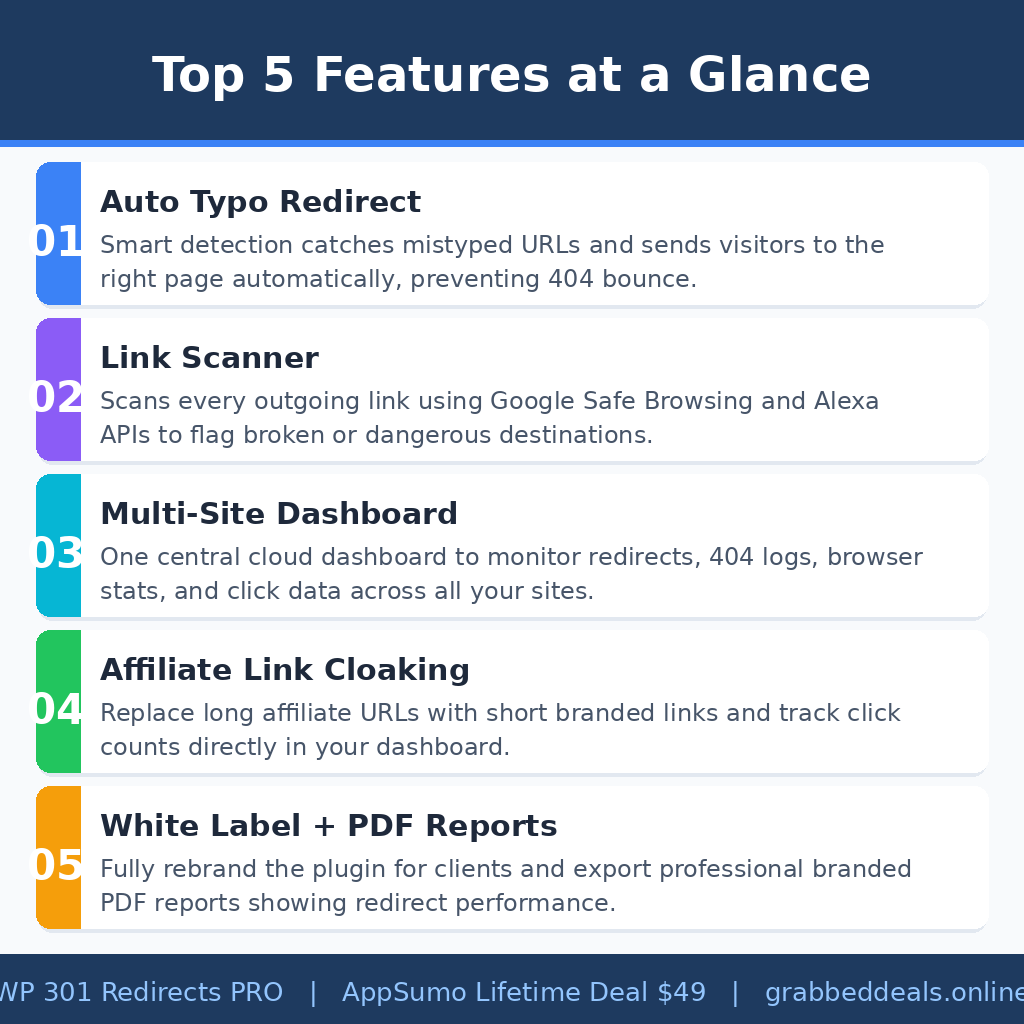
1. Automatic Typo-Based URL Redirects
When visitors mistype a URL, the plugin catches the error in real time and redirects them to the closest matching page instead of a 404. The typo sensitivity is adjustable so you can control how aggressive the matching should be. This alone prevents a measurable percentage of lost sessions on content-heavy sites.
2. Link Scanner with Google Safe Browsing Integration
The built-in Link Scanner checks every outgoing URL against Google Safe Browsing and Alexa Rank APIs. It flags broken links and anything that points to low-reputation or potentially malicious domains. This is the kind of check most WordPress site owners never run, and it frequently surfaces surprises.
3. Centralized Multi-Site Dashboard
All your connected sites feed data into a single cloud dashboard. You can see redirect counts, 404 logs, browser statistics, and traffic sources across every site from one login. For agencies running ten or twenty WordPress installations, this replaces the need to log into each site separately.
4. Affiliate Link Management and Cloaking
Rather than relying on a separate plugin, WP 301 Redirects lets you replace long, ugly affiliate URLs with short branded links. You control the slug, the destination, and can track exactly how many clicks each link generates through the dashboard.
5. White Label and PDF Reporting
The PRO version supports full white labeling: your clients see your brand, not WebFactory. Combined with the ability to export branded PDF performance reports, this feature is genuinely useful for any freelancer or agency billing for site maintenance.
WP 301 Redirects in Action
The video below is the official product overview from the WP 301 Redirects team. It walks through the key features in about three minutes and is worth watching before you configure anything, since it gives a clear picture of how the dashboard and redirect rules actually work together.
WP 301 Redirects Alternatives
Redirection by John Godley
Redirection is the most widely used free redirect manager in the WordPress ecosystem. It handles basic 301 rules and logs 404 errors competently. However, it lacks an outgoing link scanner, typo auto-correction, and multi-site central dashboard, which puts it behind WP 301 Redirects PRO for anything beyond simple use cases.
Broken Link Checker by WPMU DEV
Broken Link Checker focuses specifically on finding dead links within your content and comments. It does that job well, but it does not handle URL redirects natively and has no affiliate link management. Think of it as a diagnostic tool rather than a full redirect solution.
Rank Math SEO
Rank Math includes a redirect module as part of its broader SEO plugin. If you already use Rank Math, its built-in redirects may be enough for a small site. For anyone managing multiple sites, running a dedicated redirect plugin alongside an SEO tool is typically the cleaner approach.
WP 301 Redirects Lifetime Deal: Our Verdict
If you have ever spent a frustrating afternoon manually hunting down 404 errors or scrambling to fix redirects after a site migration, this plugin earns its price tag in the first week.
The combination of automated typo catching, a built-in link scanner, and the centralized multi-site dashboard is genuinely hard to replicate with free tools alone. It is clean, well-supported (the WebFactory team responds within 24 hours and builds the software themselves), and comes with a solid AppSumo 60-day refund window if it does not fit your workflow.
The $49 lifetime price for 20 sites makes this particularly compelling for agencies and freelancers. For solo bloggers running one site, the free version on WordPress.org covers basic needs, but the PRO license is the version that actually impresses.
Ready to grab the deal? Get WP 301 Redirects on AppSumo for $49 lifetime
Frequently Asked Questions (FAQ)
Q: Is WP 301 Redirects worth it in 2026?
For anyone managing more than one WordPress site, yes. The combination of multi-site management, auto-typo correction, and the Link Scanner is not available in free alternatives at this price point. The AppSumo lifetime deal significantly improves the value calculation compared to a recurring subscription.
Q: Does WP 301 Redirects have a free plan?
Yes. A free version is available on WordPress.org with basic redirect rule management and a limited 404 log. The full feature set, including the Link Scanner, typo auto-correction, affiliate link management, white labeling, and the central SaaS dashboard, requires the PRO license available through AppSumo.
Q: Who is WP 301 Redirects best suited for?
It is most valuable for WordPress developers, digital marketers, and web agencies managing multiple client sites. Solo bloggers with a single site and minimal redirect needs may find the free version sufficient, but agencies will get the clearest return on the PRO license.
Q: How long is the WP 301 Redirects lifetime deal available?
AppSumo lifetime deals run for a limited window and close without a set public end date. Once the campaign ends, access reverts to the standard subscription pricing on the WP 301 Redirects website.
Q: Can I get a refund on the WP 301 Redirects lifetime deal?
Yes. AppSumo offers a 60-day money-back guarantee on this deal, which is more than enough time to test it properly across your sites.
Q: Does it work with translation plugins and multilingual sites?
Yes. WP 301 Redirects PRO is fully compatible with major translation plugins including Weglot, TranslatePress, GTranslate, and Loco Translate, including sites that use language prefixes in their URL structure.
Published by GrabbedDeals.online – Appsumo Deals | WP Themes & Plugins | DealFuel | Dealify | DealMirror | RocketHub | StackSocials | Others|