A few months back, I was drowning. Not literally, but you know that feeling when your task list keeps growing and your team capacity just does not? I had content to write, research to do, support emails piling up, and not enough hours. I kept thinking: there has to be a smarter way to handle this without bringing on three new hires.
That is when I stumbled on TeamPal during one of my late-night AppSumo browsing sessions. It is an AI agent platform, and something about it felt different from every other “AI tool” I had tried before. Get Lifetime Deals
What is TeamPal?
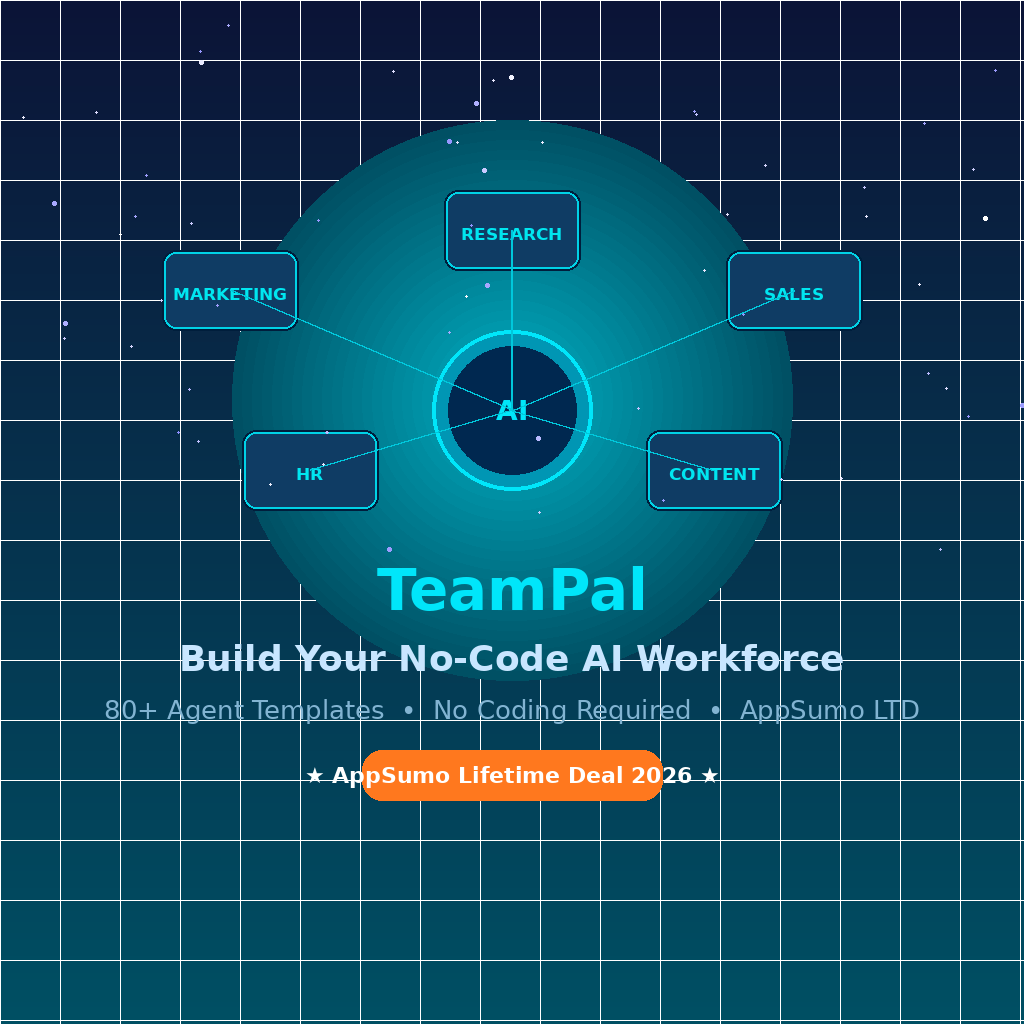
TeamPal is a no-code AI workforce builder. You are not just getting one AI chatbot. You are building an entire team of specialized AI agents, each trained on your business data and assigned to a specific function like marketing, sales, HR, content, or customer support.
Think of it less like hiring a freelancer and more like spinning up a whole department from scratch, without the overhead. Instead of giving you one generic AI chatbot, TeamPal helps you build a custom AI workforce trained on your business, your brand voice, and your workflows.
It is genuinely built for founders, small agencies, solo operators, and anyone running lean. TeamPal offers over 80 agent templates and 30 built-in plugins, allowing customization of workflows across departments such as marketing, HR, operations, finance, sales, IT, and R&D.
You can learn more about where TeamPal sits in the broader AI automation landscape directly on their site.
- Works without writing a single line of code
- Trained on your own documents, URLs, and brand data
- Supports multiple LLMs including GPT-4o, Claude, and Gemini
How Does TeamPal Work?
Getting started is genuinely simple. Here is the basic flow I went through:
- Create a workspace: Give it your brand name and upload your logo. TeamPal uses this to keep every agent on-brand from day one.
- Pick an agent template: Browse the library of 80+ ready-made roles like Content Writer, Sales Coach, HR Assistant, or Research Analyst.
- Train your agent: Upload documents, paste in your website URL, or add SOPs. The agent absorbs this as its knowledge base.
- Set the brand voice: Tell it how you want it to communicate. Formal? Casual? Direct? You can tune this per agent.
- Start using (or share it): Chat with the agent directly, use it in group chat mode with multiple agents at once, or share it via a link to embed in your own tools.
That is genuinely it. No developer needed.
Tips for Using TeamPal Effectively
After spending real time inside the platform, here is what actually moves the needle:
- Start with one agent, not ten. I made the mistake of trying to set up a full AI content team on day one. The setup takes longer than expected, and you end up with shallow agents. Build one really solid Marketing Assistant first, then expand.
- Upload your actual SOPs and brand guidelines. The more specific your training data, the better the outputs. Pasting your style guide and a few examples of great past work makes a huge difference in quality.
- Use Group Chat for strategy work. This is a feature most beginners overlook. TeamPal has built-in group chat where multiple agents work together, which works well for tasks like developing a full marketing plan from a campaign brief. It is surprisingly good for brainstorming.
- Combine it with Notion or Google Docs. As noted in TeamPal’s official workflow guides, the best results come from treating agents like collaborators rather than one-shot prompt machines.
- Watch your credit usage on premium models. Credits can run out quickly if you query high-end models all day, and chat history recall is limited to 90 days on lower tiers. Stick to faster models for routine tasks and save the heavy LLMs for complex strategy work.
TeamPal Review: Pros and Cons
Spent enough time with this to give you a real picture.
Pros
- Genuinely no-code setup that anyone can figure out without a tutorial
- 80+ pre-built agent templates mean you are not starting from scratch
- Group chat mode where multiple agents collaborate is a standout feature
- One-time payment via AppSumo makes the ROI math easy
- Clean, Notion-like UI that does not feel cluttered
Cons
- LLM library updates can lag a few months behind the latest releases
- Credit limits on lower tiers can feel restrictive for heavy users
- Setup time for high-quality agents is longer than the landing page suggests
Top 5 Features of TeamPal
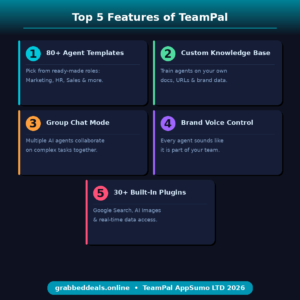
TeamPal packs a lot in. Here are the five that actually matter for day-to-day use:
1. 80+ Pre-Built AI Agent Templates
You are not building from a blank page. TeamPal allows you to choose from 80+ AI agent templates to create personalized AI-powered assistants tailored to your needs, covering everything from marketing and research to analysis and automation. It is the fastest path from “I want an AI team” to “I have one.”
2. Custom Knowledge Base Training
This is where it separates from generic AI tools. You upload your documents, product specs, SOPs, or even a website URL. Users can upload documents, share website links, or add information that helps train the AI agents, allowing them to understand your brand voice, workflows, and business context. Every output feels like it actually came from someone who knows your business.
3. Group Chat with Multi-Agent Collaboration
Instead of running one agent at a time, Group Chat lets multiple specialized agents work on a problem together. It is the closest thing to an AI brainstorming room I have used, and it handles multi-agent workflow automation better than most tools at this price point. Think of it as your marketing agent, research agent, and content agent all in the same conversation.
4. Brand Voice Customization
This is subtle but important. TeamPal lets you customize how your AI agents communicate using the Brand Voice feature to maintain consistent brand messaging in every interaction. If you run an agency managing multiple clients, this alone is worth a lot, because each client’s agent stays in character.
5. 30+ Built-In Plugins
Beyond the agents themselves, TeamPal ships with plugins for Google Search, AI image generation, and more. These give agents real-time capabilities, so they are not stuck with static training data. For any task involving AI-powered business automation that requires current information, this is what keeps outputs relevant.
TeamPal in Action
Before committing to any tool like this, seeing it move is worth a thousand screenshots. The official TeamPal demo below walks through the core setup flow and shows exactly how the agent workspace and group chat work in practice.
TeamPal Alternatives
Worth knowing what else is out there before you commit.
Taskade
Taskade is a project management and AI assistant combo that also supports AI agents. It is more polished on the collaboration side, but the agent customization is not as deep. Better for teams already using it as a PM tool rather than a pure virtual AI workforce builder.
Relevance AI
Probably the most powerful alternative if you have some technical comfort. Relevance AI supports complex multi-step AI chains and integrations, but it has a steeper learning curve. Less ideal if you want something running in a day without touching code.
Botpress
Botpress is strong for building customer-facing chatbots with conversational AI flows. If your main use case is customer support automation, it is worth a look. But for internal AI workflow tools for small businesses covering multiple departments, TeamPal is broader out of the box.
TeamPal Lifetime Deal: Our Verdict
If you are looking for the best no-code AI workforce tool for small business owners in 2026, TeamPal delivers a genuinely strong case. It is not perfect. The LLM update cadence is slower than ideal, and you will invest real time making agents good rather than just good enough. But the core infrastructure works, the group chat feature is genuinely useful, and the lifetime deal pricing makes the risk extremely low.
Who should grab this: agency owners managing repetitive content or research tasks, solo founders who want to automate operations without hiring, and small teams that need AI across more than one department.
Ready to grab the deal? TeamPal Lifetime Deal on AppSumo
Frequently Asked Questions (FAQ)
Q: Is TeamPal worth it in 2026? For most small business owners and agency operators, yes. The tool covers enough use cases across departments that it can replace three or four single-purpose AI subscriptions. The lifetime deal pricing makes the payback period very short.
Q: Does TeamPal have a free trial or free plan? Yes. TeamPal offers a 7-day free trial so you can explore the platform before committing to a paid plan or the AppSumo lifetime deal.
Q: Who is TeamPal best suited for? TeamPal is designed for founders, agency owners, consultants, virtual assistants, and small teams that want more than simple AI writing. It is built for businesses that want multiple role-based AI agents working across real tasks and workflows.
Q: How long is the TeamPal lifetime deal available? Lifetime deals on AppSumo run for a limited window. There is no fixed end date, but the deal typically closes when the campaign quota is filled or the team decides to shift pricing.
Q: Can I get a refund on the TeamPal lifetime deal? Yes. AppSumo offers a 60-day money-back guarantee on this purchase, so you have two full months to test it properly before committing.
Q: Can I train TeamPal agents on my own company documents? Absolutely, and this is actually one of the strongest parts of the platform. You can upload PDFs, paste URLs, or add written content directly. The agents use this as their knowledge base, which makes outputs far more relevant than a generic AI tool.
Published by GrabbedDeals.online – Appsumo Deals | WP Themes & Plugins | DealFuel | Dealify | DealMirror | RocketHub | StackSocials | Others|