If you have ever spent a Friday afternoon manually copying invoice numbers, dates, and line totals from a stack of PDFs into a spreadsheet, you already know the specific kind of pain this tool was built to fix. It is slow, tedious, and the one time you rush it, something gets transposed wrong and accounting chases you for two weeks.
I have been there more than once. And every time I looked for a programmatic fix, the options were either “pay AWS Textract prices and also figure out IAM permissions for an hour” or “use some janky regex parser that breaks the moment a vendor changes their invoice template.” Neither felt like a real solution. So when ParseFlow showed up on DealMirror, I paid close attention. Get Lifetime Deals
What is ParseFlow?
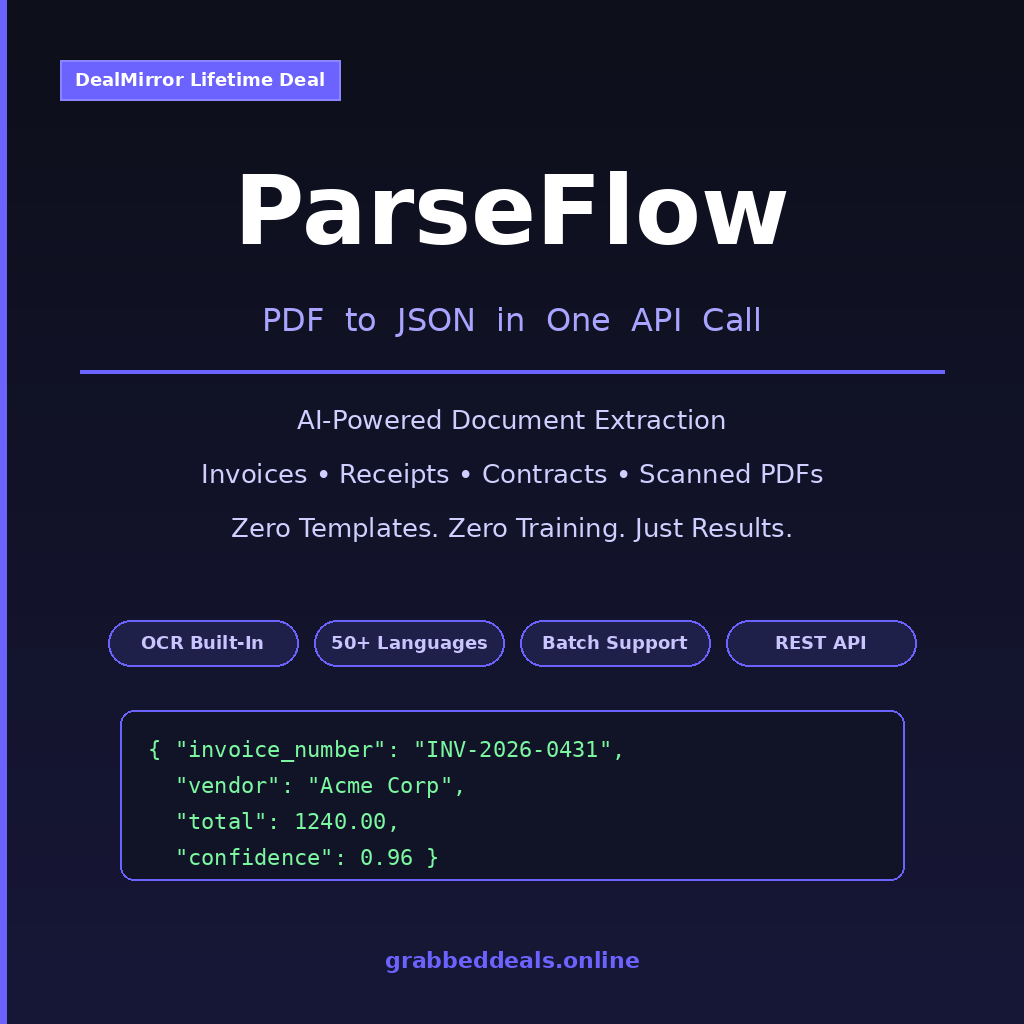
ParseFlow is a developer-focused API that takes a PDF file and returns clean, structured JSON. That is the whole pitch, and honestly, sometimes simple is what you need.
You send a document, an invoice, a receipt, a scanned contract, a government form and ParseFlow does the heavy lifting: layout detection, text extraction, field identification, table parsing. What you get back is usable data, not raw text that you still have to clean up yourself. According to its listing on G2’s document processing category, this kind of intelligent extraction layer is exactly what teams building automation pipelines are hunting for.
It is built specifically for three types of users: developers adding document intake to their apps, small finance and ops teams drowning in manual data entry, and agencies building workflow automations for clients. If you fall into any of those buckets, it is worth a look.
Key things it handles well:
- Digital (native text) PDFs with consistent structure
- Scanned or image-based PDFs via built-in OCR
- Multi-page documents with preserved context across pages
How Does ParseFlow Work?
The workflow is straightforward enough that you can have something running in under an hour if you are reasonably comfortable with APIs.
- Sign up and grab your API key from the ParseFlow dashboard. No complex onboarding, no setup wizard that asks you to configure a model.
- Make a POST request with your PDF file attached. You can send a file directly or point to a URL. The endpoint accepts both native and scanned PDFs.
- Specify the fields you want (optional but useful). If you only need
invoice_number,vendor_name, andtotal_amount, you can tell ParseFlow to focus on those instead of extracting everything. - Receive structured JSON in the response. Each field comes back with its value and a confidence score, so you know at a glance which results to trust and which to flag for a human review.
- Plug the output into your system. Feed it into a database, trigger a Zapier workflow, write it to a spreadsheet, or pass it straight to your accounting software. The JSON is clean and ready to use.
Tips for Using ParseFlow
- Start with native PDFs before testing scanned ones. If you are evaluating accuracy, run your cleanest digital invoices first. ParseFlow hits 90-95% accuracy on well-formatted native PDFs. Scanned documents will vary based on scan quality, so set realistic expectations before building your pipeline around them.
- Use field filtering to reduce noise. The API lets you request specific fields rather than a full document dump. For invoice processing, asking for exactly what you need keeps the output lean and faster to validate programmatically.
- Build a confidence score threshold into your workflow. Any field returned below a confidence of around 0.80 should route to a manual review queue. This one habit will save you from bad data slipping silently into your system. As covered in Nanonets’ guide to document processing best practices, automating the flagging of low-confidence extractions is standard practice for production pipelines.
- Batch your documents during off-peak hours. Batch processing support is live now. If you are running high-volume jobs, grouping your uploads into batches is both more efficient and easier to log and audit.
- Test with edge-case layouts early. Every client sends invoices in a different format. Throw your weirdest, most oddly-formatted PDF at ParseFlow during evaluation rather than after you have already deployed.
ParseFlow Review: Pros and Cons
ParseFlow does the core job well, and for the lifetime deal price, it is a genuinely compelling option for teams or developers who need a no-drama extraction layer without enterprise pricing.
Pros
- Genuinely zero template configuration, works out of the box
- Confidence scores per field are a practical, mature feature for a v1 product
- Batch processing already live and functional
- OCR built in, no separate service needed for scanned documents
- Founder is transparent about the product’s stage and communicates directly
Cons
- Non-Latin script support (Arabic, Chinese, Japanese) not available until Q3 2026
- No native integrations yet (Zapier, n8n planned for Q4 2026)
- 2,000 pages/month cap on the LTD tier requires monitoring at higher volumes
- No interactive API playground yet (roadmapped for Q3 2026)
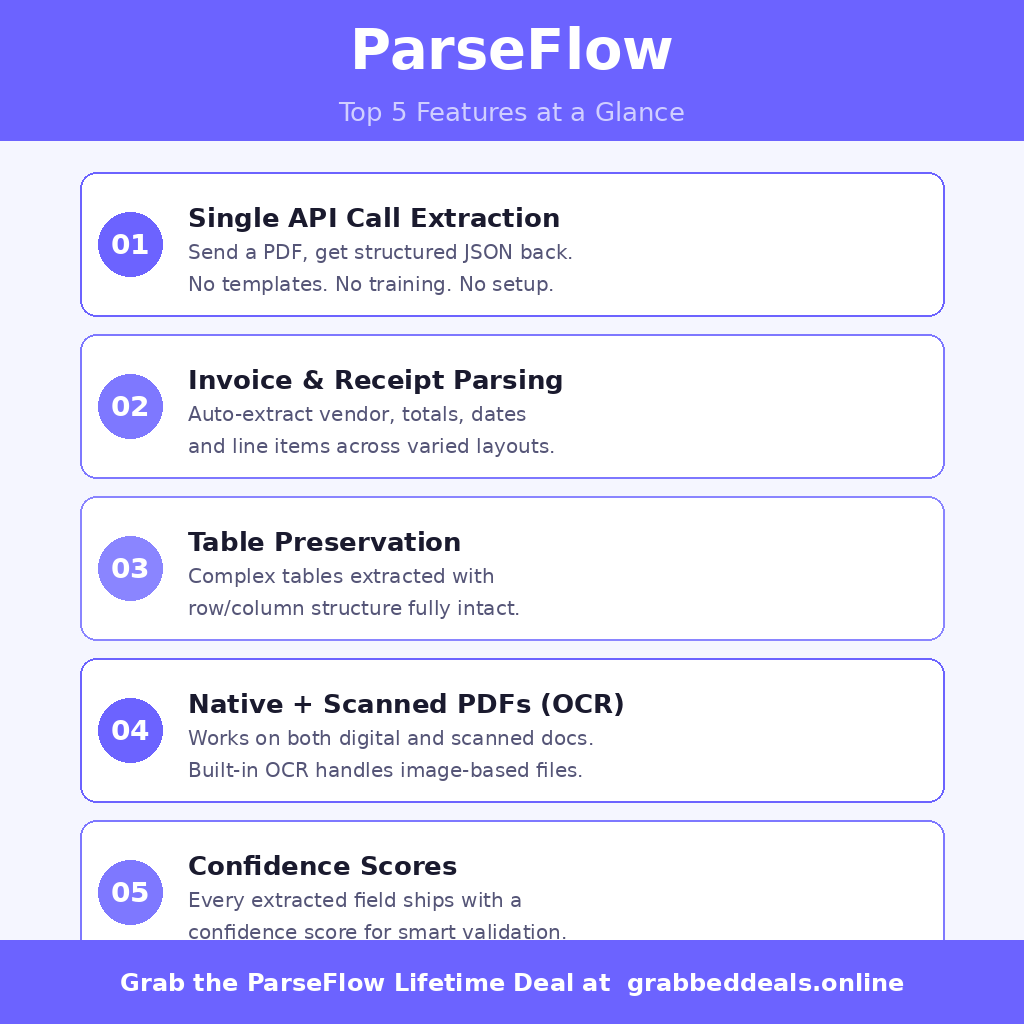
Top 5 Features of ParseFlow
1. Single API Call Extraction
You POST a document, you get JSON. There is no model training, no template building, no “learning period.” ParseFlow uses AI-powered analysis to detect document structure on its own, which means it works on documents you have never seen before without any prep work.
2. Invoice and Receipt Field Parsing
This is the use case the tool is most clearly tuned for. It identifies vendor names, invoice numbers, dates, line items, taxes, and totals even when the layout differs between suppliers. If you are processing accounts payable documents, this feature alone justifies the deal.
3. Table Extraction with Structure Preserved
Most PDF parsers mangle tables. ParseFlow keeps the row and column relationships intact in the JSON output, which matters a lot when you are extracting financial reports, product line items, or any tabular data that needs to stay organized for downstream processing.
4. Native Text and Scanned PDF Support
Both document types are handled natively. Digital PDFs get direct text extraction; scanned or photographed documents go through the built-in OCR engine. You do not need a separate OCR service sitting in front of ParseFlow.
5. Confidence Scores on Every Field
Each extracted value ships with a confidence rating. This is not a checkbox feature; it is genuinely useful for building reliable automations. Low-confidence fields get flagged automatically so they can be reviewed, rather than silently corrupting your data downstream.
ParseFlow Alternatives
Adobe Acrobat Extract API
Adobe’s extraction API is powerful and handles complex PDFs well, but it comes with enterprise pricing and requires deeper Adobe ecosystem buy-in. It is a strong choice for large organizations with existing Adobe contracts, but it is overkill for most indie developers or small teams.
AWS Textract
Textract is arguably the most capable option for document extraction at scale, with custom query support and tight AWS integrations. The trade-off is complexity: IAM setup, per-page billing, and pricing that adds up quickly at volume. ParseFlow gives you a much simpler path for common use cases.
Mindee
Mindee offers pre-built APIs for invoices, receipts, and passports with a clean developer experience. It is a closer competitor to ParseFlow in terms of target audience. Mindee’s free tier is generous for testing, but recurring subscription costs are higher than ParseFlow’s current lifetime deal pricing.
Why Choose the Lifetime Deal?
PDF extraction is not going away. If anything, the volume of documents businesses need to process programmatically keeps growing as more workflows go digital. Paying a monthly subscription for an API you use regularly is a cost that compounds fast.
- One-time payment, no monthly fees eroding your margins
- Locks in current pricing before the product matures and rates increase
- Full access for the lifetime of the platform, including v1.x updates
- Ideal for freelancers, small SaaS builders, and ops teams doing regular document processing
The founder has been clear that the lifetime deal is specifically for early adopters, and the pricing will increase as the product matures. Tools like this, once they add Zapier and n8n integrations in Q4 2026, become significantly more valuable and will be priced accordingly. Platforms like AppSumo have made lifetime deals mainstream for indie makers and startups and ParseFlow on DealMirror is a textbook example of getting in at the right time.
ParseFlow Lifetime Deal: Our Verdict
ParseFlow is exactly what a good early-stage tool should look like: focused, functional, and honest about what it is. The core extraction feature works, the confidence score system is genuinely useful, and the founder’s transparency about the product roadmap makes it easier to trust the investment.
If you are a developer building an app that needs to ingest PDFs, or an ops person tired of copying invoice data by hand, this is a legitimate fix at a price that makes the decision easy.
The Tier 1 lifetime deal is currently priced at $25 on DealMirror, down from $99. That is 75% off for lifetime access, including all v1.x updates and a 30-day money-back guarantee (60 days for DealMirror Prime members).
Ready to grab the deal? Get ParseFlow on DealMirror for $25 lifetime
Summary
ParseFlow is an AI-powered PDF to JSON extraction API built for developers and small teams who need to automate document processing without enterprise complexity or cost. It handles invoices, receipts, scanned PDFs, and multi-page documents out of the box, with confidence scores on every extracted field. The current DealMirror lifetime deal at $25 is a strong value for anyone processing documents regularly, and the Q4 2026 roadmap with Zapier and n8n integrations will make it even more versatile. If document extraction is a real bottleneck in your workflow, this is one to grab now.
Frequently Asked Questions (FAQ)
Q: Is ParseFlow worth it in 2026? For the $25 lifetime deal price, yes, especially if PDF data extraction is part of your regular workflow. The tool does the core job well, confidence scores add real reliability, and the upcoming integrations will make it more powerful without any additional cost.
Q: Does ParseFlow have a free trial or free plan? The current DealMirror deal includes a 30-day money-back guarantee for regular users and a 60-day guarantee for DealMirror Prime members. That effectively gives you risk-free trial time to test it against your actual documents before committing.
Q: Who is ParseFlow best suited for? Primarily developers building document intake into apps or automation pipelines, accounts payable teams handling high invoice volumes, and ops professionals looking to remove manual data entry from PDF-heavy workflows.
Q: How long is the ParseFlow lifetime deal available? DealMirror lifetime deals run for a limited window and do not reappear once they close. There is no public end date listed, but lifetime deal campaigns typically close within weeks. If you are considering it, sooner is better.
Q: Can I get a refund on the ParseFlow lifetime deal? Yes. DealMirror offers a 30-day money-back guarantee for standard users and a 60-day guarantee for Prime members. No complex process, just contact their support team within the window.
Q: What happens if ParseFlow is discontinued? The founder has stated publicly that if any DevToolsmith product is discontinued, the codebase will be open-sourced. That is about as good a safety net as you will find from a solo founder at this stage.
Published by GrabbedDeals.online – Appsumo Deals | WP Themes & Plugins | DealFuel | Dealify | DealMirror | RocketHub | StackSocials | Others|