Running a multi-author WordPress site sounds exciting until you are knee-deep in contributor spreadsheets at midnight trying to figure out which writer drove the most traffic last month. We have been there. Two different plugins fighting each other, zero author analytics, and profile boxes that looked like they were styled in 2009.
That is exactly the problem the DraftPress Authors Bundle solves, and right now you can get it as a one-time payment on RocketHub. Get Lifetime Deals
What is DraftPress Authors Bundle?
The DraftPress Authors Bundle is a set of five dedicated WordPress plugins built specifically for publishers running multi-author sites. Whether you manage a news outlet, online magazine, niche blog with guest contributors, or a community publication, this bundle hands you everything you need to track, showcase, and manage your writers from a single source.
The team behind it is DraftPress (formerly 99 Robots), a WordPress-focused development company with over a decade of plugin building under their belt. DraftPress has nearly 750,000 active site installations across their plugin catalog, which tells you this is not some fly-by-night tool.
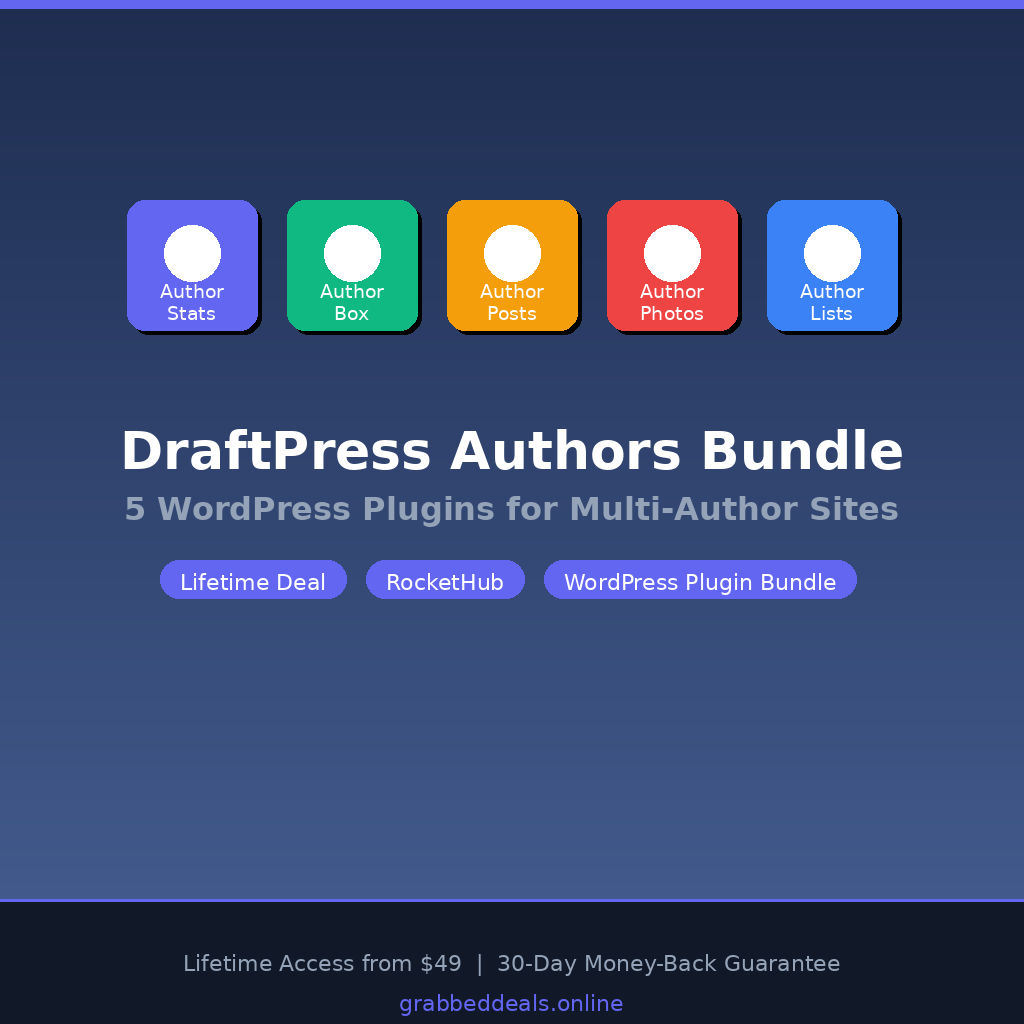
The five plugins included are: Author Stats Pro, Author Box, Author Posts, Author Photos, and Author Lists. Together they cover the full author lifecycle on your site, from analytics to display.
- Track real author ROI with post counts, word counts, views, comments, and social shares
- Display professional, on-brand author bios directly inside posts and pages
- Build a public-facing author directory with four different layout styles
DraftPress plugin catalog with nearly 750,000 installations
How Does DraftPress Authors Bundle Work?
Getting the bundle live on your site takes less than an hour. Here is the typical flow:
- Purchase and redeem: Buy the lifetime deal on RocketHub, then use the redemption code on the DraftPress site to activate your license. It works exactly like activating any premium plugin.
- Download and install: Download all five plugin ZIP files from your DraftPress account. Upload and activate them inside your WordPress admin panel. You do not need all five active at once; enable only the ones relevant to your current setup.
- Configure Author Stats Pro first: This plugin indexes your existing posts in the background via WordPress Cron. Depending on your site size, initial indexing can take a few hours. Do not panic when you see the counter ticking through your posts. Just let it run.
- Set up Author Box and Author Photos: Head into each plugin’s settings panel to choose layouts, colors, and placement rules. You can target specific post types, pages, or use shortcodes to embed author cards exactly where you want them.
- Add Author Lists to your About page: Use the widget or shortcode builder to drop a sortable staff directory anywhere on the site. Pick your layout, set sorting preferences, and you are done.
Tips for Using DraftPress Authors Bundle
- Set up a server-level cron job. Author Stats Pro relies on WordPress Cron to calculate view data. WordPress’s built-in cron only fires on site visits, which means low-traffic windows can delay your stats updates. Ask your host to set up a real server cron running every 10 to 15 minutes for accurate, timely data.
- Use the Author Box shortcode for guest posts. Rather than forcing a global author box on every page, use shortcodes to place the box only on blog posts and specific post types. This keeps landing pages and sales pages clean.
- Unlock the Featured Author widget in Author Posts. This little-known feature lets you pin a specific contributor to the top of the author posts display. Use it to spotlight your best-performing writer each month and gamify contributor competition. As covered in the Author Posts product page on DraftPress, the Featured Author widget actively challenges writers to compete for that top spot.
- Pair Author Stats Pro with a spreadsheet export. The plugin exports all filtered data as an XLS file. Run a monthly export and plug the numbers into a simple Google Sheet to build a contributor performance dashboard over time.
- Exclude admin and editor views from stats. Author Stats Pro filters out admin and editor page views by default so your analytics are not skewed by internal traffic. The numbers you see actually reflect real readers, unlike Google Analytics which counts everyone.
DraftPress Authors Bundle Review: Pros and Cons
Overall this is a well-rounded plugin bundle from a team with a long track record in WordPress publishing. Here is the breakdown:
Pros
- All five plugins are purpose-built for publishers, not retrofitted generic tools
- Author Stats Pro’s Excel export makes contributor reporting genuinely practical
- Author Box is highly customizable without needing to write any code
- Lifetime deal pricing is very competitive for a bundle covering the full author management workflow
Cons
- View count tracking only starts from the date the plugin is installed; no historical data retroactively
- Plan upgrades are not supported after purchase on RocketHub, so you need to choose your site license tier carefully upfront
- The bundle does not currently support stacking multiple purchase codes to combine licenses
Top 5 Features of DraftPress Authors Bundle
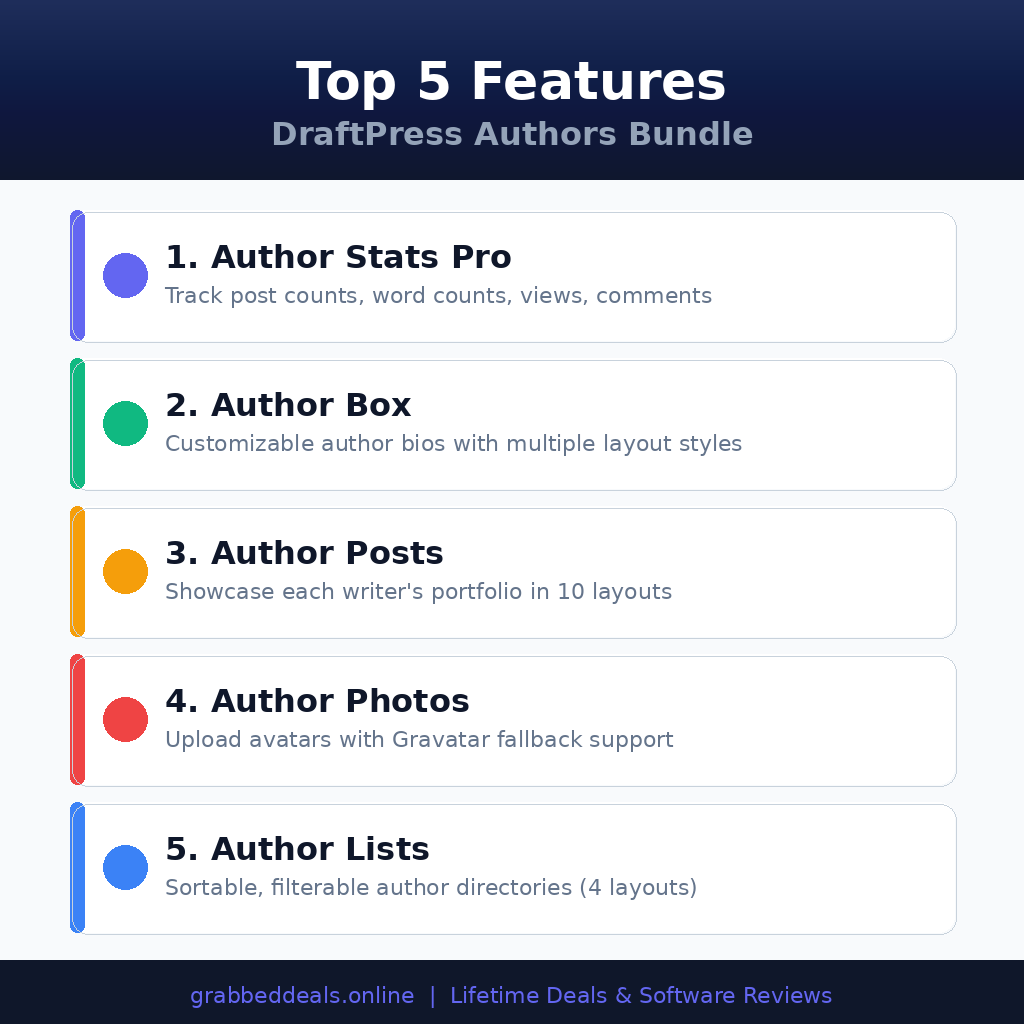
1. Author Stats Pro: Real Analytics Per Writer
This is the headline feature. Author Stats Pro tracks post counts, average word counts, page views, comments, and social shares for every contributor on your site. You can filter data by date range, post type, and user role, then sort the results to see who is actually driving traffic. If you pay writers per post or per view, the XLS export makes payroll calculations significantly less painful.
2. Author Box: Professional Bios That Match Your Brand
The Author Box plugin lets you display fully customizable author bio cards on posts and pages. You control colors, layout styles, shapes, and exactly which post types show the box. Use global settings for site-wide display or drop shortcodes wherever you need precise placement. The result is polished, on-brand author profiles that build reader trust and credibility.
3. Author Posts: Ten Layout Options for Portfolio Display
Readers who connect with a particular writer want to find more of their work. Author Posts handles this by showcasing each contributor’s other articles directly within the article being read. With ten unique layouts to choose from, including list views, grid cards, and featured image styles, you can match the display to your site’s visual language.
4. Author Photos: Consistent Avatars Across the Site
Author Photos lets each contributor upload their own profile photo, which then displays consistently throughout the site via shortcodes. A Gravatar fallback means contributors who skip the upload still show a recognizable image. Consistent, human faces across your author profiles noticeably improve reader-author connection and perceived site credibility.
5. Author Lists: Sortable Staff Directories in Four Layouts
The Author Lists plugin generates a public-facing directory of all your contributors. Choose from four layout styles, configure avatar size and shape, sort by post count or alphabetically, and exclude specific users or entire roles. For news sites and magazines, a professional staff page is a trust signal for both readers and advertisers. This plugin delivers one without any custom development work.
DraftPress Authors Bundle Alternatives
WP Author Box Lite
WP Author Box Lite is a free plugin that adds a basic author bio section to posts. It covers the bare minimum and works fine for single-author blogs, but it has no analytics, no author lists, and no contributor photo management. For casual bloggers it is enough. For multi-author publishers, it falls short.
Starbox
Starbox is a dedicated author box plugin with schema markup support and multiple display styles. It handles the bio display side well but stops there. No analytics layer, no author directory, and no portfolio display. You would need to stack several other plugins to get feature parity with the DraftPress bundle.
PublishPress Authors
PublishPress Authors adds multiple author attribution to WordPress posts, which is useful if you need co-authoring functionality. It approaches the problem differently, focusing on byline assignment rather than analytics and display management. If your biggest challenge is crediting multiple writers on one post, PublishPress is worth a look. For contributor performance tracking and profile display, the DraftPress bundle goes deeper.
DraftPress Authors Bundle Lifetime Deal: Our Verdict
If you run any kind of multi-author WordPress site and you have been duct-taping together separate plugins for analytics, bios, and directories, the DraftPress Authors Bundle is a clean, well-supported solution at a price that makes the math easy.
The bundle is not for single-author bloggers. It is purpose-built for publishers who need real contributor management. The author analytics alone are worth the entry price for anyone paying writers by performance. Add the polished display plugins on top, and you have a complete author management stack for a one-time cost.
The 30-day money-back guarantee removes all financial risk. Buy the tier your site will grow into, not just what you need today.
Ready to grab the deal? Get the DraftPress Authors Bundle Lifetime Deal on RocketHub
Section 10: Frequently Asked Questions (FAQ)
Q: Is DraftPress Authors Bundle worth it in 2026? Yes, particularly for WordPress publishers who currently manage contributors manually or rely on disconnected plugins. The author analytics and one-time pricing make it a practical long-term investment for any site paying or managing multiple writers.
Q: Does DraftPress Authors Bundle have a free trial or free plan? There is no free plan for the full bundle. Live demos are available at demo.draftpress.com so you can see each plugin in action before purchasing. The RocketHub lifetime deal includes a 30-day money-back guarantee, which effectively gives you a risk-free evaluation window.
Q: Who is DraftPress Authors Bundle best suited for? News sites, online magazines, niche publications with multiple contributors, content agencies managing client WordPress sites, and community blogs where author accountability and visibility both matter. It is not a practical fit for single-author personal blogs.
Q: How long is the DraftPress Authors Bundle lifetime deal available? Lifetime deals on RocketHub run for a limited window tied to the product’s launch campaign. Once it closes, the product reverts to DraftPress’s standard annual pricing. Check the RocketHub deal page for current availability.
Q: Can I get a refund on the DraftPress Authors Bundle lifetime deal? Yes. The deal includes a 30-day money-back guarantee. If the bundle does not perform as described and DraftPress cannot resolve the issue within that window, you are entitled to a refund.
Q: Will I receive future plugin updates after purchasing the lifetime deal? Yes. DraftPress has confirmed that future updates are included in the lifetime plans, provided the new features do not carry significant per-use API or hardware costs. Your license maps directly to DraftPress’s standard plans and they have committed to honoring the terms for all lifetime deal holders.
Published by GrabbedDeals.online – Appsumo Deals | WP Themes & Plugins | DealFuel | Dealify | DealMirror | RocketHub | StackSocials | Others|