A few months back, I was doing a routine SEO audit on a client site, one of those e-commerce stores that had been live for about three years. Clean design, decent traffic, reasonable conversion rate. Looked fine on the surface.
Then I ran an accessibility scan.
The results were brutal. Missing alt text on nearly every product image. Buttons with no discernible labels. Contrast ratios are so bad that roughly 8% of users could barely read the checkout page. Ironically, this site had spent thousands on a redesign the previous year, and accessibility had never come up once during the project.
That’s the thing with accessibility issues: they’re invisible to the people building the site. You need a tool that actively looks for them. That’s where FixMyWeb comes in. Right now it’s available as a lifetime deal on DealMirror for a one-time payment of $25, and it’s one of those tools I genuinely wish I’d had two years ago. If you’re looking to grab more deals like this, check out GrabbedDeals.online for the latest lifetime software offers.
What is FixMyWeb?
FixMyWeb is an automated website accessibility checker built by Antonio Altomonte, a solo developer based in Tenerife who runs a suite of focused developer tools under the DevToolsmith brand. It’s designed specifically for web agencies, freelance developers, and business owners who need to verify WCAG compliance without hiring a specialist consultant or running expensive enterprise audits.
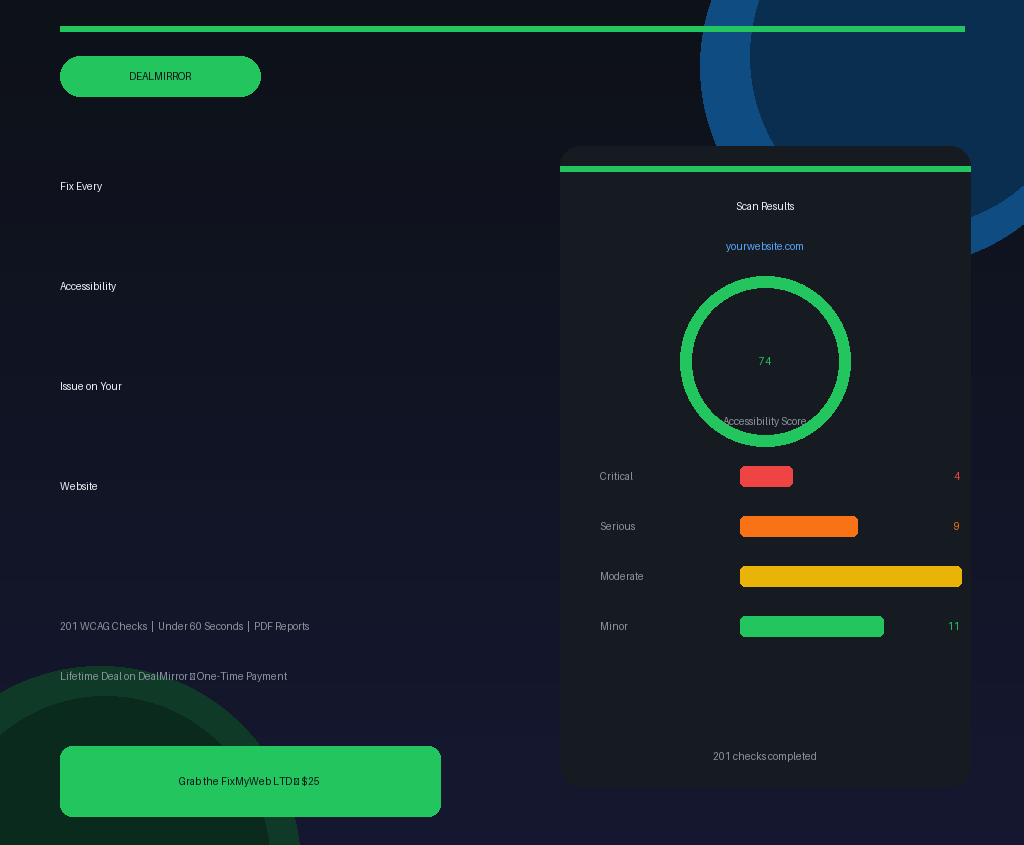
The tool sits in a real gap in the market. Free tools like Google Lighthouse run around 30-40 accessibility checks. WAVE is useful for visual inspection but lacks structured reporting. Enterprise-grade platforms like Level Access or UserWay are priced for Fortune 500 budgets. FixMyWeb runs 201 WCAG 2.1 compliance checks covering all four POUR principles (Perceivable, Operable, Understandable, and Robust) and delivers a professional, exportable PDF report in under 60 seconds.
It’s built for:
- Web agencies auditing client sites
- Freelance developers adding accessibility audits as a service
- SaaS founders and bloggers getting ahead of compliance requirements
- E-commerce owners who can’t afford to silently lose customers
How Does FixMyWeb Work?
The workflow is deliberately simple. You don’t need to install anything, configure a server, or learn a new interface.
- Enter a URL. Go to FixMyWeb.dev, paste in the URL of the page you want to audit, and hit scan. That’s the entire setup process.
- Wait 60 seconds. The tool runs all 201 checks across the full POUR framework. In most cases, the scan wraps up in under a minute.
- Review your results. Issues are organized by severity: Critical, Serious, Moderate, and Minor. Each violation is clearly labelled with the specific WCAG success criterion it violates.
- Read the fix guidance. This is where FixMyWeb actually earns its keep. Every flagged issue comes with a plain-language explanation of what’s wrong and a code snippet showing exactly how to fix it. You’re not left wondering what “1.1.1 Non-text Content” means in practice.
- Export the report. One click generates a polished PDF that’s ready to send to a client, add to a compliance folder, or hand off to a developer.
For teams that want to automate the process, FixMyWeb also exposes an API so you can plug accessibility checks directly into your CI/CD pipeline and catch violations before they ever go live.
Tips for Using FixMyWeb
- Scan before you go live, not after. The biggest mistake developers make is treating accessibility as a post-launch checkbox. Run your staging URL through FixMyWeb during QA. Catching 40 issues before launch is far cheaper than fixing them after a client complaint.
- Start with Critical issues only. When you first see a big list of violations, it’s tempting to try fixing everything at once. Don’t. Filter to Critical first, fix those, rescan, then work down the severity levels. This way progress is measurable and momentum stays high.
- Use the code snippets directly. The fix suggestions are written to be copy-paste ready. If you’re adding alt text, correcting ARIA labels, or adjusting heading hierarchy, you can often apply the fix in minutes rather than hours of research.
- Pair FixMyWeb with manual keyboard testing. As noted in FixMyWeb’s own documentation at fixmyweb.dev, automated tools catch around 30-50% of accessibility issues. The rest require manual checks, especially around reading order and cognitive accessibility. Use the automated scan as your floor, not your ceiling.
- Don’t ignore the Minor category entirely. Color contrast issues often land in the Moderate or Minor bucket, but for users with low vision they’re daily friction. Run a quick sweep on those before you call a project done.
FixMyWeb Review: Pros and Cons
Accessibility tools are only as useful as the actionability of their output. Here’s an honest breakdown after spending time with FixMyWeb.
Pros
- 201 WCAG checks in one scan is genuinely comprehensive, especially compared to free tools
- The severity ranking system makes remediation planning practical, not overwhelming
- Code snippets with each issue dramatically cut down the time between finding and fixing a problem
- PDF export is clean and professional enough to hand directly to a client
- API access opens up CI/CD integration for teams that want accessibility baked into their deployment workflow
Cons
- White-label reports are not yet available (planned for Q4 2026), so agency branding requires manually wrapping the PDF
- Continuous monitoring and scheduled scans are on the roadmap but not live yet (Q3 2026 target)
- As an early-stage product from a solo founder, it carries some inherent risk, though Antonio has been transparent about this
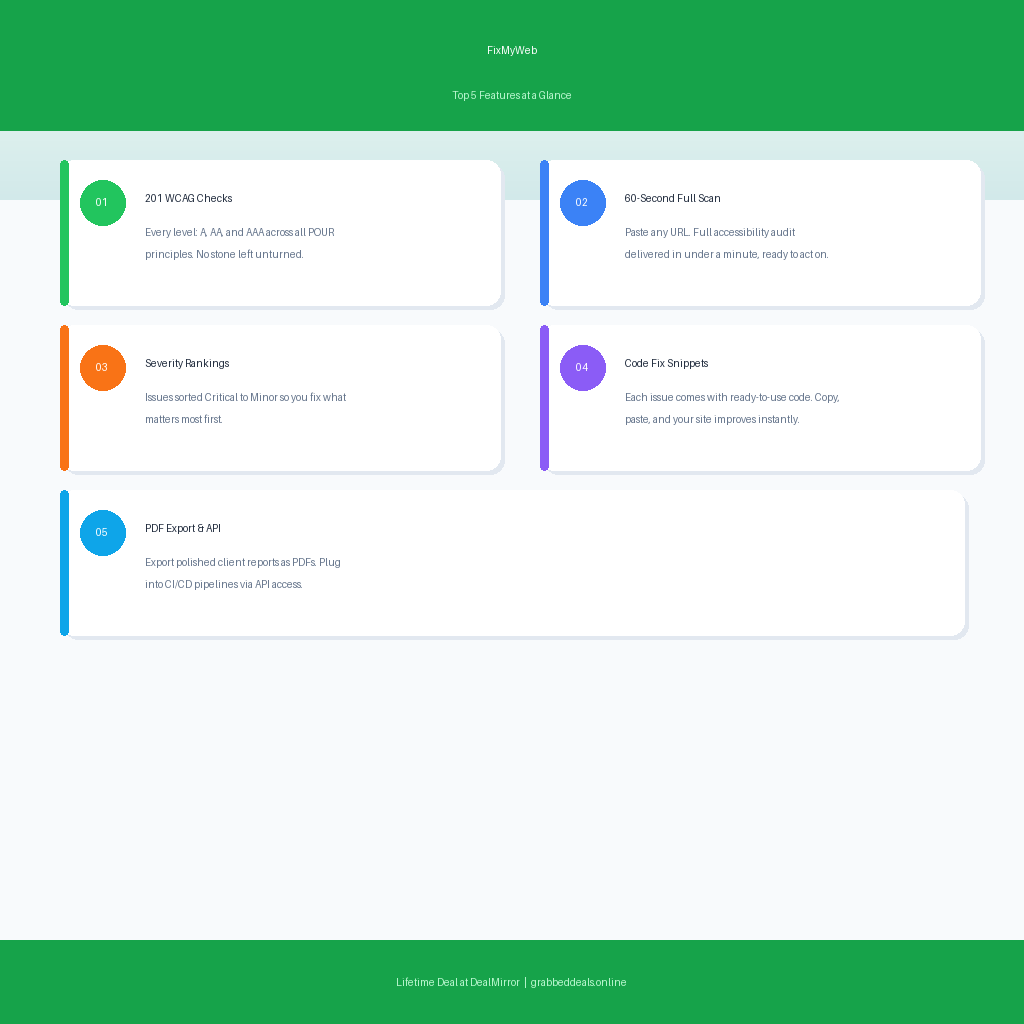
Top 5 Features of FixMyWeb
1. 201 Automated WCAG Checks Per Scan
Most free accessibility tools scrape the surface. FixMyWeb runs over 200 precision checks based on WCAG 2.1 guidelines, covering everything from missing alt attributes on images to broken ARIA roles on interactive elements. If there’s a WCAG failure on your page, this scan is likely to find it. The coverage across Level A, AA, and AAA criteria makes it one of the most thorough automated checkers available at any price point.
2. Severity-Ranked Results
One of the more practical design choices in FixMyWeb is how it presents results. Issues are bucketed into Critical, Serious, Moderate, and Minor, so you’re not staring at a flat list of 47 violations with no idea where to start. Critical issues are the ones most likely to block users entirely or trigger legal exposure. The ranking system turns a daunting audit into a workable priority list.
3. Fix Suggestions with Code Snippets
This is the feature that separates FixMyWeb from basic scanners. Every flagged issue comes with a clear explanation of why it’s a problem and actual code to fix it. For a developer, this turns a 10-minute Google research session into a 2-minute copy-paste operation. For a non-technical site owner, it’s the difference between understanding what’s wrong and being completely lost.
4. PDF Export for Client Deliverables
Freelancers and agencies will appreciate the one-click PDF export. The output is clean and structured, making it easy to drop into a client proposal or compliance report. Once white-label branding lands in Q4 2026, this becomes an even more powerful upsell tool for agencies who want to offer accessibility audits as a paid service.
5. API Access for CI/CD Integration
For developers who want to automate everything, FixMyWeb’s API access lets you trigger scans programmatically. This means you can add accessibility checks to your GitHub Actions or GitLab CI pipeline, so every deployment is tested before it reaches users. It’s a pro feature that makes FixMyWeb useful well beyond one-off manual audits.
FixMyWeb Alternatives
WAVE by WebAIM
WAVE is a free browser extension and online checker that gives visual feedback on accessibility issues directly overlaid on your page. It’s excellent for a quick visual inspection and is widely used by accessibility practitioners. The gap: it doesn’t produce structured PDF reports, the check depth is more limited, and it’s not built for agency workflows or API integration.
Lighthouse (Google)
Chrome’s built-in Lighthouse tool runs an accessibility audit alongside performance and SEO checks. It’s fast and already in your browser, making it a convenient first pass. However, it covers only around 30-40 accessibility checks, a fraction of what FixMyWeb scans for. It also doesn’t export professional client-ready reports or offer API access for automation.
Siteimprove Accessibility
Siteimprove is an enterprise-grade platform that does deep accessibility monitoring across entire websites, not just individual pages. It’s comprehensive, well-supported, and widely used in larger organizations. The catch is pricing: it’s aimed at enterprise teams with enterprise budgets. FixMyWeb hits a much more affordable sweet spot for freelancers, small agencies, and indie founders.
Why Choose the Lifetime Deal?
A monthly subscription to a professional accessibility checking tool typically runs anywhere from $29 to $99 a month depending on the platform and team size. FixMyWeb’s lifetime deal through DealMirror locks you in at a single payment of $25, with unlimited scans, all 201 WCAG checks, PDF export, and API access included.
For a freelancer who bills even one accessibility audit project a year, this pays for itself immediately. For an agency running audits across multiple client sites, the math becomes obvious very quickly.
- One-time payment, zero monthly fees going forward
- Unlimited scans for any number of URLs
- Full access before pricing moves to a recurring model as the product matures
- All v1.x updates included, so future improvements don’t cost extra
- Ideal for freelancers, small agencies, SaaS founders, and e-commerce owners
The European Accessibility Act came into full force in June 2025 for new digital products, with existing services covered by June 2027. ADA accessibility lawsuits in the US hit over 4,000 cases in 2024 alone. The compliance pressure is real, and it’s building. Tools like this, as platforms like AppSumo have made lifetime deals mainstream for indie makers and startups, represent exactly the kind of focused, affordable solution that helps small teams stay ahead of that wave.
FixMyWeb Lifetime Deal: Our Verdict
If you run any kind of web presence for clients, your own business, or even a personal project, accessibility is no longer something you can quietly ignore. The legal environment has shifted, the tools to check compliance have gotten genuinely good, and the consequences of ignoring it are real.
FixMyWeb isn’t a mature enterprise platform, and its founder is upfront about that. It’s a focused, well-built tool from a solo developer who has clearly thought hard about what the market actually needs. The 201-check scan depth, severity ranking, code-level fix guidance, and PDF export make it more practical than most free tools and far more affordable than enterprise alternatives.
At $25 for lifetime access, it’s one of the better-value developer tools available right now.
Ready to grab the deal? Get FixMyWeb Lifetime Access on DealMirror for $25
Summary
FixMyWeb is an automated WCAG accessibility checker that scans any website URL across 201 compliance checks in under 60 seconds. It’s built for freelance developers, web agencies, and business owners who need professional-grade accessibility reports without enterprise-grade pricing. The lifetime deal on DealMirror includes unlimited scans, severity-ranked results with code fix snippets, PDF export, and API access for a one-time payment of $25. With ADA lawsuits rising and the European Accessibility Act now fully active, accessibility compliance is no longer optional. This deal makes it affordable to stay on the right side of that line.
Frequently Asked Questions
Q: Is FixMyWeb worth it in 2026? For most web professionals, yes. It runs 201 WCAG checks, provides actionable code-level fixes, and delivers professional PDF reports. At $25 for lifetime access, it pays for itself after a single client audit project. The main caveat is that it’s an early-stage product, so some features like white-label reports and continuous monitoring are still coming.
Q: Does FixMyWeb have a free trial or free plan? FixMyWeb offers a free tier on fixmyweb.dev where you can run basic scans without signing up. The lifetime deal on DealMirror upgrades you to unlimited scans, full WCAG check depth, PDF export, and API access.
Q: Who is FixMyWeb best suited for? Freelance developers, web agencies, e-commerce owners, SaaS founders, and anyone who needs to verify WCAG compliance for client work or their own site. It’s particularly strong for agencies that want to offer accessibility audits as an add-on service and need a professional-looking deliverable to show clients.
Q: How long is the FixMyWeb lifetime deal available? Lifetime deals on DealMirror run for a limited campaign window. Once the campaign closes, the product moves to standard subscription pricing. There’s no published end date, so if this is on your radar, grabbing it sooner is the safer play.
Q: Can I get a refund on the FixMyWeb lifetime deal? Regular DealMirror users get a 30-day money-back guarantee. DealMirror Prime members get an extended 60-day guarantee. Either way, there’s a refund window if the tool doesn’t fit your needs after purchase.
Q: Does FixMyWeb support the European Accessibility Act (EAA)? Yes. FixMyWeb includes EAA readiness checks and maps its results to the WCAG 2.1 criteria that underpin EAA compliance requirements. Given that the EAA fully covers new digital products from June 2025 and existing services from June 2027, this is an increasingly relevant feature for anyone serving EU-based customers.
Published by GrabbedDeals.online – Appsumo Deals | WP Themes & Plugins | DealFuel | Dealify | DealMirror | RocketHub | StackSocials | Others|