Typing everything you need to say in a workday is slow, physically draining, and frankly a poor use of your time. DictationDaddy is an AI-powered voice-to-text tool that converts your speech into clean, ready-to-send text directly inside Gmail, Slack, Google Docs, WhatsApp, and nearly any other app you use. If you have been waiting for a sharp lifetime deal on a dictation tool that actually works, this one is worth a close look. Get Lifetime Deals
What is DictationDaddy?
DictationDaddy is an AI voice dictation tool built for professionals who think and communicate faster than they type. It belongs to the growing category of AI speech-to-text software, designed specifically for knowledge workers, legal professionals, medical practitioners, content creators, and anyone who wants to reclaim time lost to keyboards.
The core problem it solves is simple: typing is slow, error-prone, and for many users with repetitive strain injuries or accessibility needs, genuinely painful. Existing tools like Dragon Dictation have long been the go-to, but they carry a $700 price tag, require weeks of voice training, and deliver inconsistent results in web apps. DictationDaddy skips all of that.
Key attributes include:
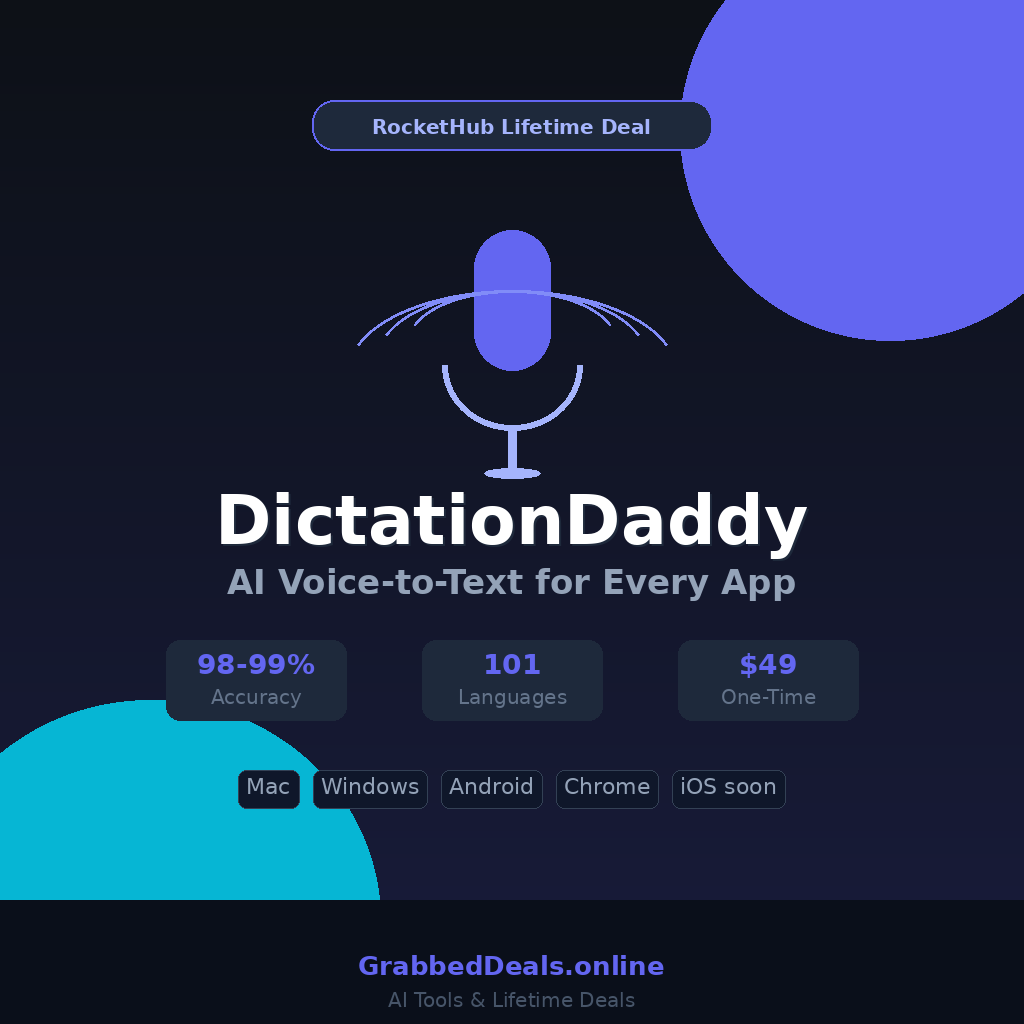
- 98 to 99 percent transcription accuracy with no voice training required
- Works across Windows, Mac, Android, iOS (coming soon), and Chrome
- Supports 101 languages with mid-conversation language switching
How Does DictationDaddy Work?
DictationDaddy is designed to fit into your existing workflow with minimal setup:
- Install the app on your platform of choice: native desktop apps for Mac and Windows, a Chrome extension, or the Android mobile app.
- Press your hotkey (customizable) anywhere on your device to activate the microphone. No need to switch tabs or open a separate window.
- Speak naturally into your microphone, including in a low voice or whisper. The AI picks up your speech even in shared office environments.
- DictationDaddy transcribes and cleans the text, removing filler words, fixing disfluencies, applying auto-punctuation, and formatting the output using your saved templates.
- The cleaned text appears instantly in whatever app or text field you were using, whether that is a Gmail draft, a Slack message, a Google Doc, or any other active input field.
Tips for Using DictationDaddy
Getting the most out of DictationDaddy comes down to a few smart habits:
- Build your custom vocabulary early. Add industry-specific terms, client names, medical or legal jargon, and product acronyms right after setup. DictationDaddy learns these immediately, which makes your transcripts far cleaner from day one without repeated corrections.
- Use templates (snippets) for repetitive responses. If you send similar emails or Slack replies daily, save those structures as snippets. Trigger them with a short phrase and let the tool fill in the rest, cutting your response time dramatically.
- Switch to GROQ for lower latency. Once you exhaust your monthly word quota, the BYOK (Bring Your Own Key) option supports both OpenAI and Groq API keys. GROQ is the recommended choice for the fastest transcription speeds.
- Dictate into web apps directly. Unlike Dragon, which struggles in browser-based tools, DictationDaddy injects text natively into Gmail, Notion, and Google Docs.
- Do not over-correct mid-dictation. A common beginner mistake is stopping to fix words while speaking. Let DictationDaddy’s AI cleanup handle disfluencies and punctuation first, then review the output. This keeps your natural speaking flow intact.
DictationDaddy Review: Pros and Cons
DictationDaddy is one of the most polished AI dictation tools available on a lifetime deal right now. Here is an honest breakdown of where it delivers and where it falls short.
Pros
- Exceptional accuracy out of the box, no voice training required
- Works natively inside virtually any app across Mac, Windows, Chrome, and Android
- Smart AI cleanup removes filler words and fixes formatting automatically
- Supports 101 languages with custom vocabulary for specialized fields
- File upload transcription for audio and video recordings
Cons
- Requires an active internet connection for processing (no offline mode)
- iOS app is still in development at the time of writing
- Monthly word quotas apply per plan, though BYOK extends usage
Top 5 Features of DictationDaddy
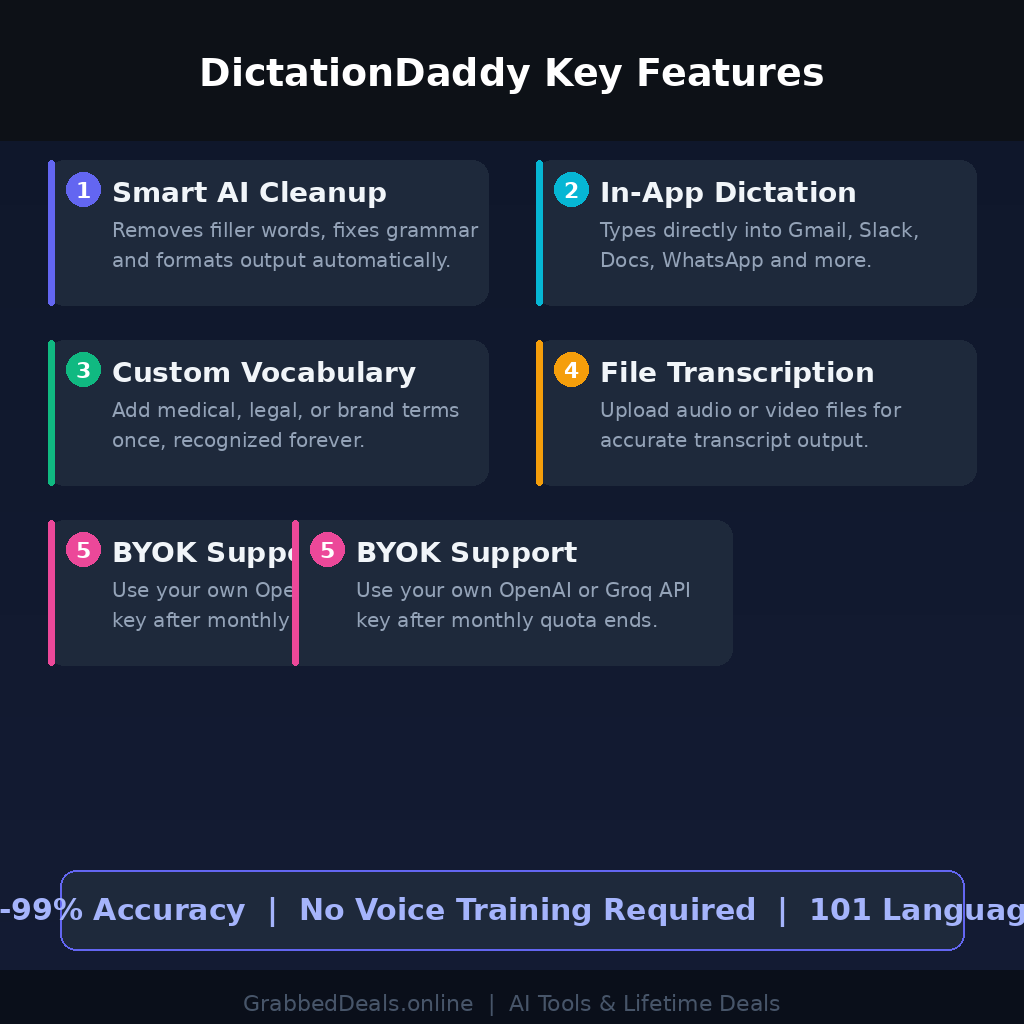
1. Smart AI Text Cleanup
DictationDaddy does not just transcribe what you say. Its multi-provider LLM pipeline strips out filler words, disfluencies, and natural speech patterns, then formats the result into grammatically correct text. You speak the way you talk; the output reads the way you write.
2. In-App Dictation Across All Platforms
Rather than transcribing into a separate window for copy-pasting, DictationDaddy injects text directly into your active input field. Whether you are in Gmail, Slack, WhatsApp, Google Docs, or a CRM, your dictated text appears exactly where your cursor is. No switching windows, no clipboard juggling.
3. Custom Vocabulary
Add domain-specific terms once and they stick. Legal case numbers, medical terminology, brand names, product codes, and unusual acronyms are recognized correctly from that point forward. This is particularly powerful for professionals where one mistranscribed term can mean serious problems in documentation.
4. File Upload Transcription
Beyond real-time dictation, you can upload audio or video files and receive accurate transcripts using the same recognition engine and your vocabulary settings. This makes DictationDaddy useful for transcribing meeting recordings, client interviews, and voice memos without switching to a separate tool.
5. BYOK and Multi-Model Flexibility
DictationDaddy’s BYOK feature lets you connect your own OpenAI or Groq API key once your monthly quota is exhausted. This keeps the tool running without forcing you onto a higher-paid plan and gives you control over which AI model powers your transcription.
DictationDaddy Alternatives
Wispr Flow
Wispr Flow is a strong cross-platform dictation tool favored by power users on Mac, Windows, and iOS. It adapts to your writing style over time and integrates well with AI-heavy workflows like Cursor and ChatGPT. At $12 per month, it is a solid choice, but lacks the lifetime pricing that makes DictationDaddy hard to beat for budget-conscious users.
Willow Voice
Willow Voice is optimized for short-form communication: emails, Slack replies, DMs, and customer support responses. Its iOS keyboard enables on-device dictation in any app, making it a good pick for mobile-first users. However, it is less suited to long-form writing and does not offer file upload transcription.
Dragon NaturallySpeaking
Dragon remains the industry benchmark for offline voice recognition and deep Windows integration. However, it costs around $700, requires weeks of voice training, is no longer available for Mac, and has received minimal updates since Microsoft acquired Nuance in 2022. For most users, DictationDaddy offers better accuracy immediately, at a fraction of the cost.
Why Choose the Lifetime Deal?
The subscription model for productivity software adds up fast. DictationDaddy’s standard Solo plan runs $39 per year, which does not sound like much until you are three or four years in and have paid more than the lifetime deal costs upfront. The RocketHub lifetime deal locks in full access with a single one-time payment.
- One-time payment, zero monthly fees going forward
- Locks in full access before any future price hikes
- Covers your entire word quota and all platform access without recurring billing
- Ideal for freelancers, legal professionals, content creators, and small business owners who use dictation daily
What is the DictationDaddy Lifetime Deal?
| Field | Details |
|---|---|
| Plan: RH Solo | $49 one-time |
| Includes | 300,000 words/month, 1 user, templates, Mac, Windows, Android, Chrome extension, BYOK |
| Plan: RH Pro | $129 one-time |
| Includes | 500,000 words/month, 5 users, all features above |
| Plan: RH Team | $199 one-time |
| Includes | 900,000 words/month, 10 users, all features above |
| Deal Source | RocketHub |
| Refund Policy | 30-day money-back guarantee |
| Deal Status | Active (check current availability on RocketHub) |
Monthly words renew every month. BYOK supports OpenAI or Groq API keys; GROQ is recommended for the fastest transcription latency. iOS app is currently in development.
DictationDaddy Lifetime Deal: Our Verdict
DictationDaddy is a clear buy for anyone who types for a living and has been looking for a legitimate upgrade to built-in dictation tools or an affordable Dragon alternative. The accuracy is genuinely excellent from day one, the cross-app compatibility covers every major platform, and the AI cleanup means your output is actually ready to send, not a rough transcript to fix.
The Solo plan at $49 makes the most sense for individual users, freelancers, and solo practitioners. The Pro tier at $129 is a strong option for small teams who want to share access without separate subscriptions.
Ready to grab the deal? Grab the DictationDaddy Lifetime Deal on RocketHub
Summary
DictationDaddy is an AI-powered voice-to-text tool built for professionals who need fast, accurate dictation across every app they use daily. It delivers 98 to 99 percent accuracy without voice training, supports 101 languages, and integrates natively into Gmail, Slack, Google Docs, and more across Mac, Windows, Android, and Chrome. The RocketHub lifetime deal starts at $49 for solo users, making it one of the most accessible productivity upgrades available in 2026. If you dictate regularly, this deal is a straightforward win.
Frequently Asked Questions
Q: Is DictationDaddy worth it in 2026? Yes. The combination of near-perfect accuracy without training, universal app compatibility, and a lifetime deal price starting at $49 makes it one of the strongest value propositions in the AI productivity space this year. It outperforms tools costing ten times as much on most everyday tasks.
Q: Does DictationDaddy have a free trial or free plan? DictationDaddy offers a 7-day free trial on its standard plans with no credit card required. The RocketHub lifetime deal includes a 30-day money-back guarantee, so there is minimal risk in trying it.
Q: Who is DictationDaddy best suited for? It is ideal for lawyers, doctors, content creators, customer support teams, freelance writers, and any knowledge worker who spends significant time composing text. It is particularly valuable for users with repetitive strain injuries or anyone who communicates faster verbally than they type.
Q: How long is the DictationDaddy lifetime deal available? Lifetime deals on RocketHub run for a limited campaign window. Once the deal closes, pricing reverts to the standard subscription tiers. Checking availability directly on the RocketHub deal page is the best way to confirm current status.
Q: Can I get a refund on the DictationDaddy lifetime deal? Yes. RocketHub’s lifetime deal for DictationDaddy comes with a 30-day money-back guarantee, giving you enough time to test it thoroughly across your real workflows before committing.
Q: Does DictationDaddy work offline? No. DictationDaddy requires an active internet connection for transcription processing. If you need guaranteed offline processing, Dragon NaturallySpeaking remains the only option in this category, though at a significantly higher cost and with training requirements.
Published by GrabbedDeals.online – Appsumo Deals | WP Themes & Plugins | DealFuel | Dealify | DealMirror | RocketHub | StackSocials | Others|