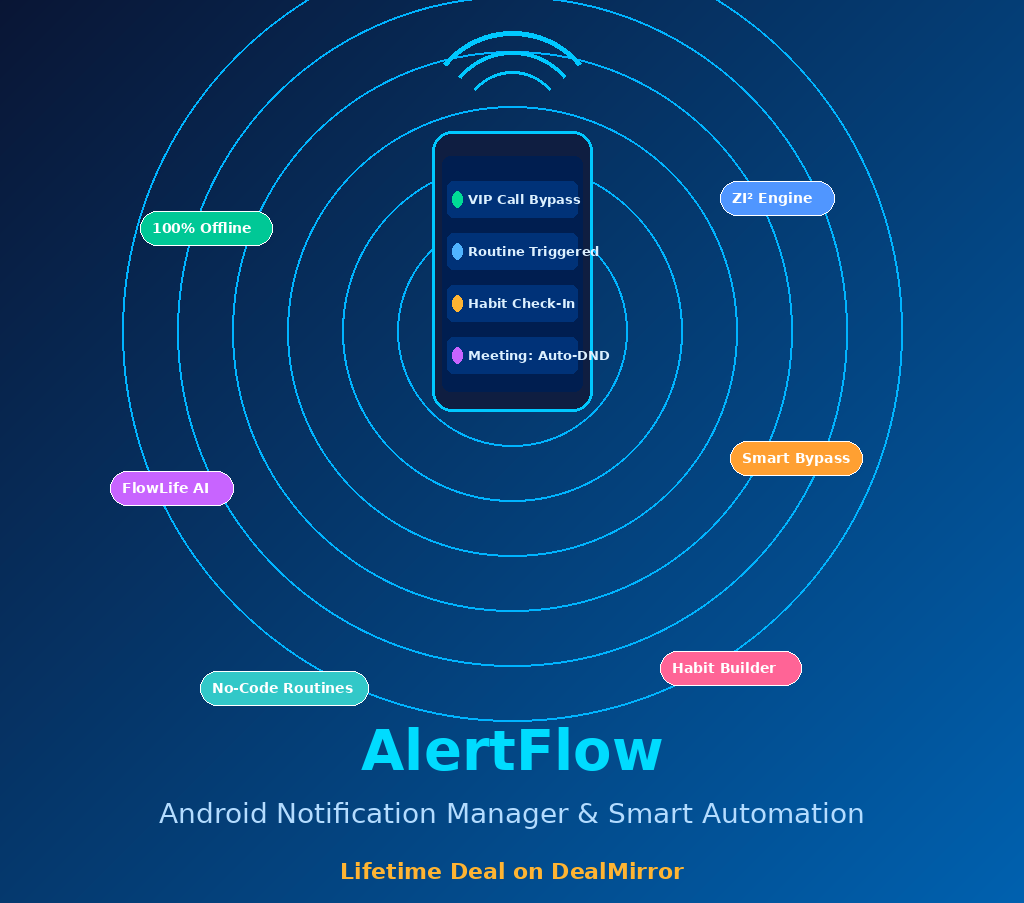
If you have ever missed an important call because your phone was on silent, or lost track of a client because life got busy, AlertFlow was built for exactly that problem. It is an Android notification manager and automation engine that watches what matters so you do not have to. The lifetime deal on DealMirror makes this a no-brainer for anyone tired of paying monthly for productivity tools. Get Lifetime Deals
What is AlertFlow?
AlertFlow is an Android application built for intelligent notification management, task automation, and personal productivity. Developed by ZI Technologies, it falls squarely in the mobile productivity and device automation category and is aimed at anyone who needs their phone to work smarter without compromising privacy.
The core problem it solves is fragmentation: most people juggle a DND app, a habit tracker, a calendar reminder tool, and a relationship manager separately. AlertFlow collapses all of that into one offline-first system powered by its ZI Engine, which processes all data locally on your device, with zero cloud sync. It has been rated as a standout tool in the Android automation category on G2.
Key attributes at a glance:
- 100% offline intelligence, no cloud data collection
- Combines automation, habit building, and relationship tracking
- Available for Android, with a Lifetime Premium License on DealMirror
How Does AlertFlow Work?
Getting started with AlertFlow is straightforward, even if you have never used an automation app before.
- Download and install the app from Google Play. Grant the requested permissions for SMS, call logs, calendar, and location. These stay entirely on your device.
- Run Smart Setup from the Settings menu. The ZI Engine scans your last 30 days of local communication history and auto-suggests VIP contacts for your Greenlist and routine templates.
- Build your Routines in the Routines tab. Use the no-code editor to create “If This, Then That” triggers: for example, silence your phone when you enter a work geofence, or flash the flashlight when a Greenlisted contact calls.
- Set up FlowLife to manage your relationships and habits. Add contacts with a frequency goal (such as “Call Mom every 7 days”) and create daily habits like hydration or reading. The app tracks consistency and nudges you when scores drop.
- Enable Calendar Integration to auto-join Zoom or Teams meetings and activate strict DND five minutes before any event starts. Everything resets once the meeting ends.
Tips for Using AlertFlow
These tips will help you get the most out of AlertFlow from day one.
- Start with Smart Setup before building any manual rules. The ZI Engine can auto-generate your most useful Routines based on real call and SMS patterns, saving you significant configuration time.
- Use Strict Mode during deep work sessions. It acts as a whitelist firewall, allowing only approved contacts and apps to interrupt you. Everything else is silently blocked until you turn it off.
- Add your most important contacts to the Greenlist immediately. This ensures calls from family, key clients, or emergency contacts always ring through, even in DND or silent mode, including WhatsApp and Telegram.
- Pair Calendar Integration with FlowLife task reminders. According to verified reviews on Capterra, users who combine both features report the biggest productivity gains since meetings and follow-ups are handled from a single dashboard.
- Do not overlook the Pulse Timer safety feature. It monitors network loss and sudden motion changes in the background. If something goes wrong, it can auto-SMS your location to a trusted contact. A feature most beginners skip but experienced users swear by.
AlertFlow Review: Pros and Cons
AlertFlow does a lot of things well, but like any tool, it works best when you understand its strengths and limitations.
Pros
- Complete offline operation with zero cloud data collection: a genuine privacy-first architecture
- Single app replaces multiple tools including DND managers, habit trackers, and relationship reminders
- Smart Context Engine auto-generates routine suggestions using local history, minimal manual setup needed
- Calendar Integration is seamless, auto-joining meetings and restoring volume automatically
Cons
- Android-only: no iOS support currently, which limits teams with mixed devices
- Requires a number of sensitive permissions upfront, which may feel invasive before users understand the local-first architecture
- The interface has a learning curve for non-technical users setting up complex multi-step routines
Top 5 Features of AlertFlow
1. ZI Engine: 100% Offline Intelligence
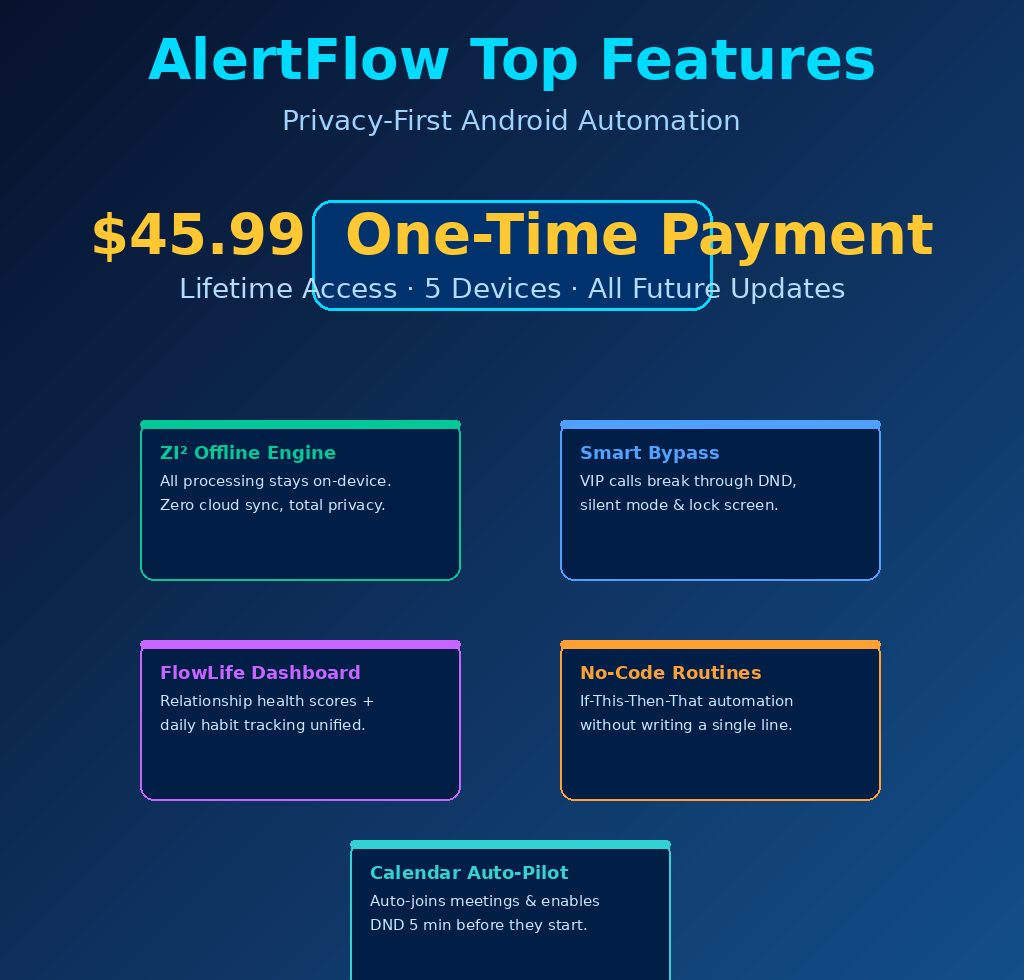
AlertFlow’s ZI Engine processes all automation logic locally on your device. No data is sent to external servers, which means your contacts, call logs, location history, and SMS metadata stay entirely private. For professionals handling sensitive communications, this is a foundational feature that most competing automation apps simply cannot match.
2. Smart Bypass for VIP Contacts
This feature ensures the people who matter most always get through, regardless of your phone’s current mode. Greenlisted contacts and apps ring through DND, silent mode, and even the lock screen, with full-screen alerts, custom sounds, and flashlight strobes. It works natively with WhatsApp, Telegram, and all VoIP apps.
3. FlowLife: Relationship and Habit Dashboard
FlowLife is a unified dashboard for managing connection health and daily habits. The app tracks how often you contact your VIPs and assigns a health score based on frequency goals you set. If you fall out of touch, it sends a gentle nudge. Habit tracking for routines like hydration, reading, or exercise lives here too, so everything runs in one place.
4. No-Code Routine Engine
Build “If This, Then That” automations without writing a single line of code. Triggers include WiFi networks, GPS geofences, battery level, calendar events, and incoming callers. Actions include changing volume, launching apps, enabling DND, controlling the flashlight, or sending a pre-written SMS. It is one of the most flexible no-code automation engines available on Android today.
5. Calendar Auto-Pilot
AlertFlow scans your device calendar for meeting keywords and automatically enables strict DND five minutes before any event. It can join Zoom and Teams calls directly, removing the last-minute scramble for links. Volume and notification settings restore as soon as the meeting ends, requiring zero manual action from you.
AlertFlow Alternatives
Tasker
Tasker is the most powerful Android automation app available and the closest competitor to AlertFlow’s Routine Engine. It supports far more complex scripting but requires significant technical knowledge to configure. AlertFlow wins on privacy, ease of use, and the built-in FlowLife relationship tracker that Tasker does not offer.
MacroDroid
MacroDroid is a beginner-friendly automation app with a clean interface and a large template library. It lacks AlertFlow’s offline-first architecture and has no equivalent to FlowLife or Smart Bypass. Good for simple automations, but it falls short for professionals who need privacy-first operation.
Daywise
Daywise focuses specifically on notification batching to reduce phone distractions. It does one thing well but does not offer automation routines, habit tracking, or relationship management. AlertFlow covers all of that and more, making it the stronger long-term investment for users who want a full productivity stack on Android.
Why Choose the Lifetime Deal?
Productivity apps with this level of depth typically run on monthly or annual subscriptions. AlertFlow’s flexible license is priced at $12.99 per month or $35.99 per year, which adds up to over $100 in the first three years alone. The DealMirror lifetime deal locks in full premium access for a single one-time payment of $45.99.
- One-time payment, no recurring fees ever
- Locks in all current and future feature updates permanently
- Strong ROI for freelancers and entrepreneurs who rely on automation daily
- Ideal for solopreneurs, remote professionals, and productivity-focused Android users
The lifetime deal model, popularized by platforms like AppSumo, has made tools like this genuinely accessible for independent professionals who cannot justify ongoing software subscriptions. AlertFlow’s deal on DealMirror follows the same principle. Once this campaign closes, pricing is expected to revert to the standard subscription tier.
What is the AlertFlow Lifetime Deal?
| Field | Details |
|---|---|
| Plan / Tier | Tier 1: $45.99 |
| Includes | Lifetime Premium License, up to 5 device activations, all current and future features, unlimited contacts, apps, schedules, and routines, FlowLife Intelligence, NFC and Digital Wallet, Priority Support |
| Deal Source | DealMirror |
| Refund Policy | 30-day money-back guarantee for regular users; 60-day for DealMirror Prime Members |
| Deal Status | Active. Check current availability at DealMirror |
Our Verdict
AlertFlow is a genuinely well-built tool for anyone serious about Android productivity and privacy. The offline-first architecture is rare and valuable. The combination of smart automation, relationship tracking, and habit building in a single app justifies the price on its own. At $45.99 for lifetime access across five devices, with all future updates included, this deal represents exceptional value for freelancers, entrepreneurs, and working professionals who depend on their phone running exactly the way they need it. Buy it before the campaign closes.
Ready to grab the deal? Get AlertFlow on DealMirror for $45.99
Summary
AlertFlow is an Android notification manager and offline automation engine built for people who need their phone to work smarter without sacrificing privacy. It combines no-code routine automation, VIP contact bypass, relationship health tracking, and habit building into a single local-first app. The DealMirror lifetime deal offers full premium access across five devices for a one-time payment of $45.99. For freelancers, entrepreneurs, and professionals who want a complete productivity stack on Android, this deal is worth acting on now.
Frequently Asked Questions (FAQ)
Q: Is AlertFlow worth it in 2026?
Yes. With a lifetime deal priced at $45.99 and a feature set that covers automation, notification management, habit tracking, and relationship reminders, it delivers outstanding value compared to paying $12.99 per month indefinitely. The offline-first privacy architecture makes it stand out even further.
Q: Does AlertFlow have a free trial or free plan?
AlertFlow offers a limited free tier through Google Play that includes basic routines and contact management. The premium license, available via the DealMirror lifetime deal, unlocks unlimited routines, FlowLife Intelligence, NFC automation, and priority support.
Q: Who is AlertFlow best suited for?
AlertFlow is ideal for Android users who need intelligent automation without giving up data privacy. It works especially well for freelancers managing client communication, entrepreneurs juggling multiple tasks, on-call professionals, and anyone building daily habits alongside their work routines.
Q: How long is the AlertFlow lifetime deal available?
The deal is currently active on DealMirror, but lifetime deal campaigns typically run for a limited window. Once the campaign ends, pricing reverts to the standard monthly or annual subscription. There is no set expiry date posted, so securing it early is advisable.
Q: Can I get a refund on the AlertFlow lifetime deal?
Yes. DealMirror offers a 30-day money-back guarantee for regular users and a 60-day guarantee for DealMirror Prime Members. You can request a refund within that window if the app does not meet your needs.
Q: Does AlertFlow work without an internet connection?
Yes, completely. All automation logic, contact management, relationship scoring, and habit tracking run on your device using the ZI Engine. The only functions requiring connectivity are license validation and optional calendar syncing from cloud-based calendar apps.
Published by GrabbedDeals.online – Appsumo Deals | WP Themes & Plugins | DealFuel | Dealify | DealMirror | RocketHub | StackSocials | Others|