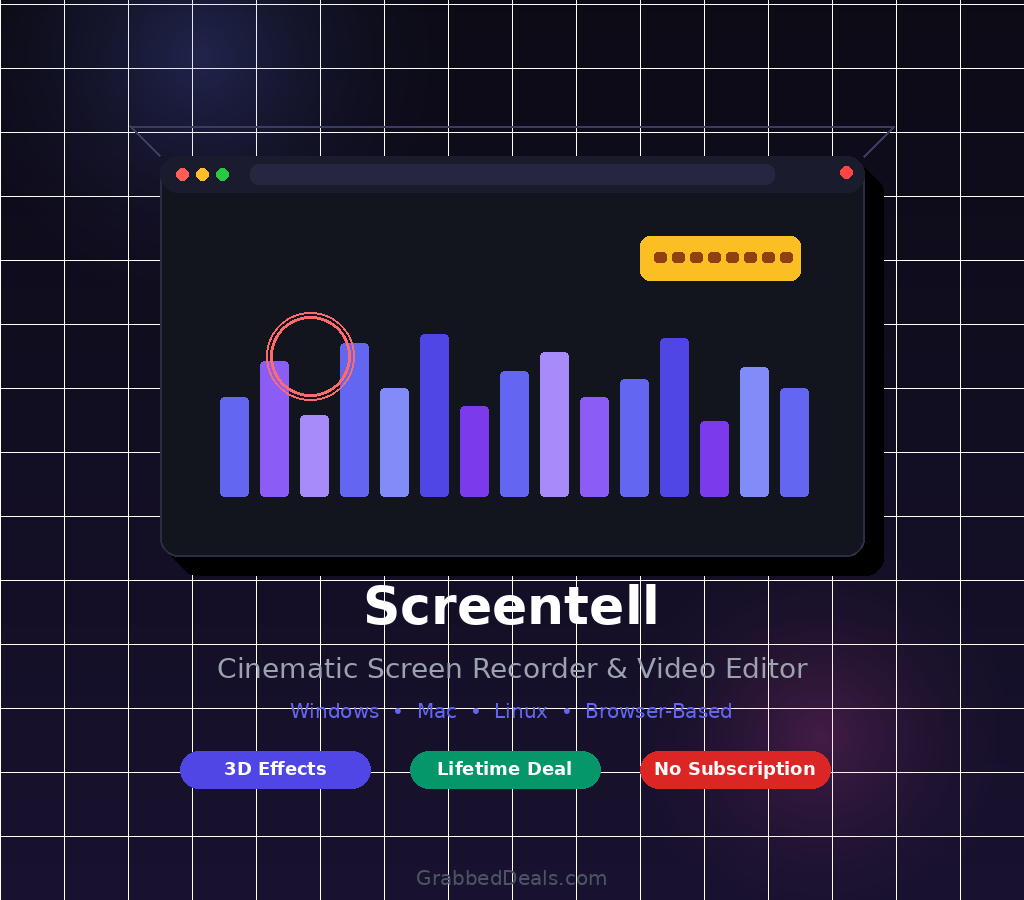
Making a product demo that actually looks good has always taken more effort than it should. Screentell changes that by putting a full screen recorder and video editor inside your browser, so you can go from raw recording to polished, cinematic video without juggling five different apps. If you have been on the fence about this tool, the current lifetime deal on DealMirror makes this the right moment to take a serious look. Get Lifetime Deals
What is Screentell?
Screentell is a browser-based screen and audio recorder that works on Windows, Mac, and Linux. It sits in the category of screen capture and video editing software, built specifically for people who need to create polished video content fast: think SaaS founders recording product walkthroughs, marketers putting together explainer videos, and educators building tutorials without wanting to learn a complex editing suite.
The core problem Screentell solves is friction. Most screen recorders capture footage and then leave you to edit it in a separate app, sync your audio elsewhere, and export through yet another tool. Screentell pulls all of that into one clean, focused workflow: record, edit, and export inside a single browser tab. It is consistently well-reviewed by verified users on G2 in the screen recording and video editing categories, with users specifically praising the 3D effects and ease of use.
Key things that define Screentell:
- Cross-platform browser tool with no downloads or installs required
- Cinematic 3D transform effects that most screen recorders simply do not offer
- Privacy-first architecture where everything is processed and stored locally on your machine
How Does Screentell Work?
Getting started with Screentell is straightforward, even on your first session. Here is the basic workflow:
- Open Screentell in your browser. No installation needed. Log in, head to your Projects page, and start a new recording session from the dashboard.
- Select your recording inputs. Choose what to capture: your full screen or a specific window, your webcam feed, system audio, and your microphone. All four can run simultaneously.
- Record your content. Hit record and do your thing. The tool captures everything cleanly in high quality. The recording indicator stays visible so you always know you are live.
- Edit inside the same tool. Use the timeline editor to cut clips, adjust speed on specific segments, crop out distracting UI elements, add zoom focus effects, drop in annotations or stickers, and apply 3D transforms to give your footage a cinematic feel.
- Export and share. Preview your final video before exporting. Choose MP4, WebM, or GIF depending on where you are posting, then download. No watermarks, no uploads to external servers.
Tips for Using Screentell
Getting the most out of Screentell comes down to knowing a few things that are easy to miss at the start.
- Plan your zoom moments before you record. Screentell lets you add Focus Zoom in the editor after the fact, but knowing which parts of your screen you want to highlight means your camera movements will feel intentional, not retrofitted.
- Use the Screen Cropping tool aggressively. If your screen has browser tabs, notification bars, or unrelated windows in frame, crop them out in the editor. Cleaner framing keeps viewers focused on what matters, which matters a lot for product demos.
- Leverage the speed control for transitions. Speeding up the boring setup moments (like opening a folder or waiting for a page to load) and slowing down key feature reveals makes videos significantly more watchable. According to verified reviews on Capterra, this kind of pacing control is one of the most-valued features in professional screen recording tools.
- Pair Screentell with Notion or Loom for async team updates. Record quick screen walkthroughs in Screentell for the cinematic quality, then share the exported MP4 link in your existing async workflow. The GIF export is also great for embedding in Notion pages or GitHub issues.
- Do not skip the Preview Player before exporting. What you see in the preview is exactly what will export. Use it to catch any annotation placement issues or pacing problems before committing to the final file.
Screentell Review: Pros and Cons
Screentell does a lot right for a tool at this price point, but it is worth going in with clear expectations on both sides.
Pros
- No installation required; works across all major platforms via the browser
- Cinematic 3D transform effects are rare at this level and genuinely elevate output quality
- Privacy-first design keeps recordings local, which matters for teams handling sensitive product data
- Flexible export options (MP4, WebM, GIF) cover most use cases without needing a converter
- One-time payment with no ongoing fees makes it easy to justify for freelancers and small teams
Cons
- Studio dashboard is optimized for desktop; mobile experience is limited
- Relies on a Chromium-based browser for the best performance, which may not suit all users
- Currently a single tier on DealMirror, so there is no lower entry point for lighter use cases
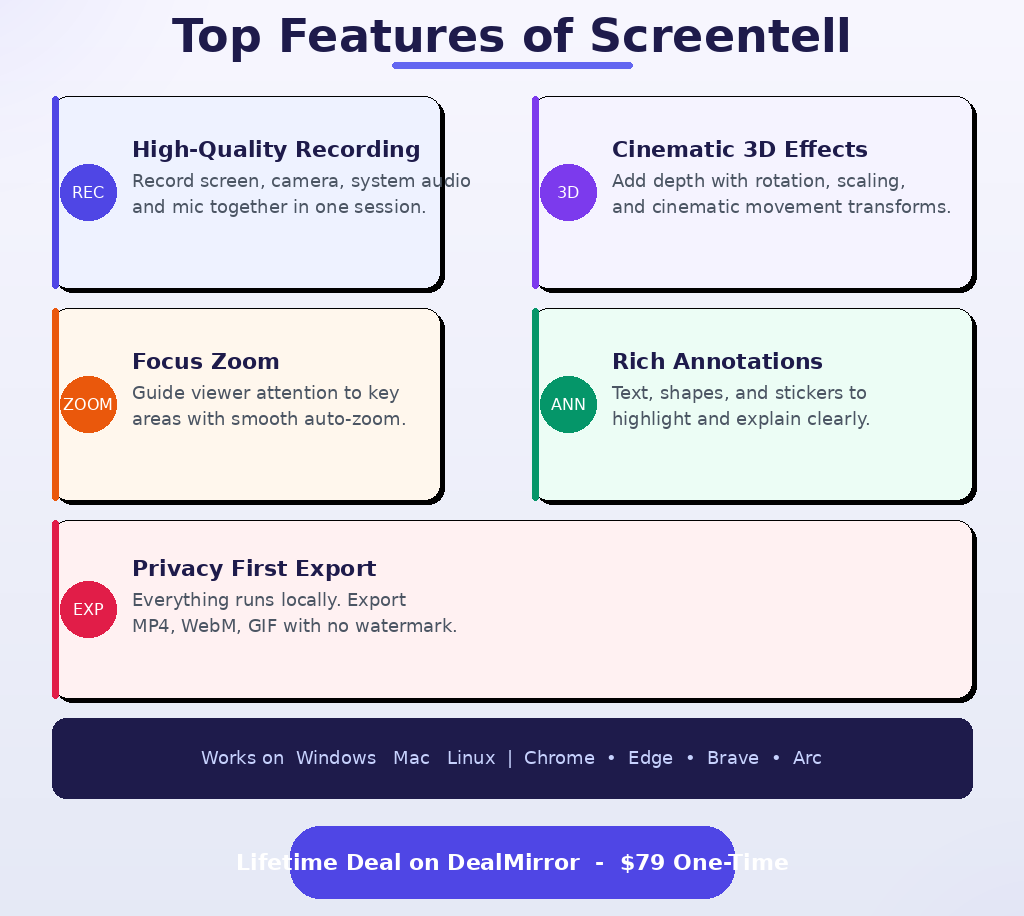
Top 5 Features of Screentell
1. High-Quality Multi-Source Recording
Screentell captures your screen, webcam, system audio, and microphone all at once, in a single session. There is no need to merge separate files afterward. The quality stays consistent throughout, which makes it reliable for demos you plan to publish or share with clients.
2. Cinematic 3D Transform Effects
This is the feature that sets Screentell apart from the typical screen recorder. You can apply 3D rotation, scaling, and skewing to your footage directly in the editor, giving your recordings the kind of depth and movement you usually only see in professionally produced product videos. It takes seconds to apply and makes an immediate visual difference.
3. Focus Zoom and Motion Controls
Screentell lets you add smooth 2D and 3D zoom effects that guide the viewer’s eye exactly where you want it. This is especially useful for product walkthroughs where a specific button or field needs attention without you having to stop and explain with narration alone.
4. Rich Annotations and Stickers
Drop in text, shapes, hand-drawn-style stickers, and custom images to highlight key points in your recording. The annotation layer is fully customizable, and stickers can be sized and positioned anywhere on the video frame. It replaces the need for a separate design tool to add callouts or emphasis.
5. Screen Cropping and Clean Layouts
The screen cropping tool lets you trim out browser chrome, notification bars, and anything else that distracts from your content. On top of that, you can apply background styles, shadows, and spacing to give your video a clean, professional frame that looks intentional rather than like a raw screen dump.
Screentell Alternatives
Screen Studio
Screen Studio is one of the more popular premium screen recorders with similar cinematic effects for Mac. It produces beautiful output, but it is Mac-only and runs on a subscription model. Screentell is the better pick if you need cross-platform support or a one-time price.
Loom
Loom is built for quick async video messaging and is excellent at that. But it lacks the editing depth, 3D effects, and annotation richness that Screentell offers. If you want fast and simple, Loom works. If you want polished and cinematic, Screentell wins.
OBS Studio
OBS is the go-to for free, open-source screen recording and streaming. It is powerful but has a steep learning curve and no built-in editor. Screentell is far easier to use for someone who just wants to record, edit, and export without spending hours in settings.
Why Choose the Lifetime Deal?
Screen recording software has historically been priced as a subscription. Monthly fees for tools like this typically run anywhere from $12 to $40 per month, which adds up quickly over a year or two.
With the Screentell lifetime deal, you pay once and own access permanently. No renewal reminders, no price hike emails, no cancellation decisions. The lifetime deal model, popularized by platforms like AppSumo, has made this kind of permanent software ownership mainstream for indie makers and startups who want to control their tool costs.
There are a few reasons to move on this now rather than later:
- One-time payment locks in full access before any future pricing changes
- The $79 price pays for itself within 2-3 months compared to subscription equivalents
- Ideal for freelancers, content creators, SaaS founders, and small marketing teams who record videos regularly but do not want a recurring line item on the card
- Once this campaign closes on DealMirror, pricing is expected to revert to a monthly or annual subscription
Lifetime deals like this tend to run for a limited window. The current campaign is live, but availability is not guaranteed indefinitely.
What is the Screentell Lifetime Deal?
Here is everything you need to know about the current deal structure on DealMirror:
| Field | Details |
|---|---|
| Plan / Tier | Tier 1: $79 one-time |
| Includes | High-quality multi-source recording, Focus Zoom and 3D transform effects, rich annotation stickers, clip cut and speed control, screen cropping, beautiful layouts, face camera layer, preview player, external video editing support, export options (MP4/WebM/GIF), no watermark, privacy-first local storage |
| Deal Source | DealMirror |
| Refund Policy | 30-day money-back guarantee for regular users; 60-day money-back guarantee for DealMirror Prime members |
| Deal Status | Active – check current availability at DealMirror |
The 60-day redemption deadline means you have two months from purchase to activate your license, so there is no pressure to set it up immediately after buying.
Screentell Lifetime Deal: Our Verdict
Screentell is a genuinely strong pick for anyone who records product demos, tutorials, or explainer videos more than a few times a month. The 3D cinematic effects are not gimmicks; they make a visible difference in how professional your output looks, and they are simple enough to apply without a design background. The browser-based, privacy-first approach removes a lot of the friction that comes with traditional desktop screen recorders.
At $79 for lifetime access, this is priced well below what most subscription-based alternatives cost in a single year. If your work involves any kind of video communication, whether that is client demos, onboarding videos, or marketing content, Screentell earns its place in your toolkit.
Ready to grab the deal? Get Screentell on DealMirror for $79
Summary
Screentell is a browser-based screen and audio recorder for Windows, Mac, and Linux that combines recording, editing, and exporting in one tool. It is built for SaaS founders, content creators, marketers, and educators who want polished video output without complex software. The standout features are its cinematic 3D transform effects, Focus Zoom, and privacy-first local processing. The lifetime deal on DealMirror at $79 makes it a smart, cost-effective alternative to monthly subscription recorders. If you create screen-based video content regularly, this deal is worth acting on now.
Frequently Asked Questions (FAQ)
Q: Is Screentell worth it in 2026? Yes, especially at the current lifetime deal price. It covers everything a content creator or SaaS team needs for professional screen recordings, and the 3D effects put it well above basic recorders in terms of output quality.
Q: Does Screentell have a free trial or free plan? The DealMirror listing does not mention a free plan. The lifetime deal comes with a 30-day money-back guarantee (60 days for Prime members), which effectively gives you a risk-free trial window after purchase.
Q: Who is Screentell best suited for? Screentell is ideal for SaaS founders recording product walkthroughs, marketers creating promotional or explainer videos, YouTubers and content creators wanting cinematic tutorials, and educators building online courses. It works best for individuals and small teams on desktop browsers.
Q: How long is the Screentell lifetime deal available? The deal is currently active on DealMirror, but lifetime deal campaigns typically close after a set period or once a purchase cap is hit. There is no published end date, so it is worth moving sooner rather than later.
Q: Can I get a refund on the Screentell lifetime deal? Yes. DealMirror offers a 30-day money-back guarantee for regular users and a 60-day guarantee for Prime members. That gives you a solid window to test the tool against your actual workflow before committing.
Q: Can I import and edit videos I recorded with other tools? Yes. Screentell is not limited to videos recorded within the tool. You can import any existing video file through your Projects page and use the full suite of editing features, including 3D effects, annotations, speed control, and export options.
Published by GrabbedDeals.online – Appsumo Deals | WP Themes & Plugins | DealFuel | Dealify | DealMirror | RocketHub | StackSocials | Others|